
To build a reliable smart home network, focus on strong security, such as unique passwords and encryption like WPA3, and keep firmware updated. Place your router in a central spot away from interference sources, and consider mesh systems for larger spaces. Monitor device connections and regularly assess performance to fix issues early. Prioritize quality hardware and stay proactive with security measures. If you want to learn more about creating a solid foundation, keep exploring these essential strategies.

Get home appliances delivered free with Prime
- Fast, free delivery on millions of items
- Prime Video, Amazon Music and more included
- Member-only deals all year
Key Takeaways
- Use high-quality, secure routers with strong signal coverage and regular firmware updates.
- Position hardware centrally, away from interference sources like thick walls and metal objects.
- Implement strong, unique passwords and advanced encryption (WPA3) for network security.
- Utilize dedicated frequency bands (e.g., 5 GHz) and conduct interference analysis for optimal performance.
- Continuously monitor, adjust, and update network settings to maintain stability and security.
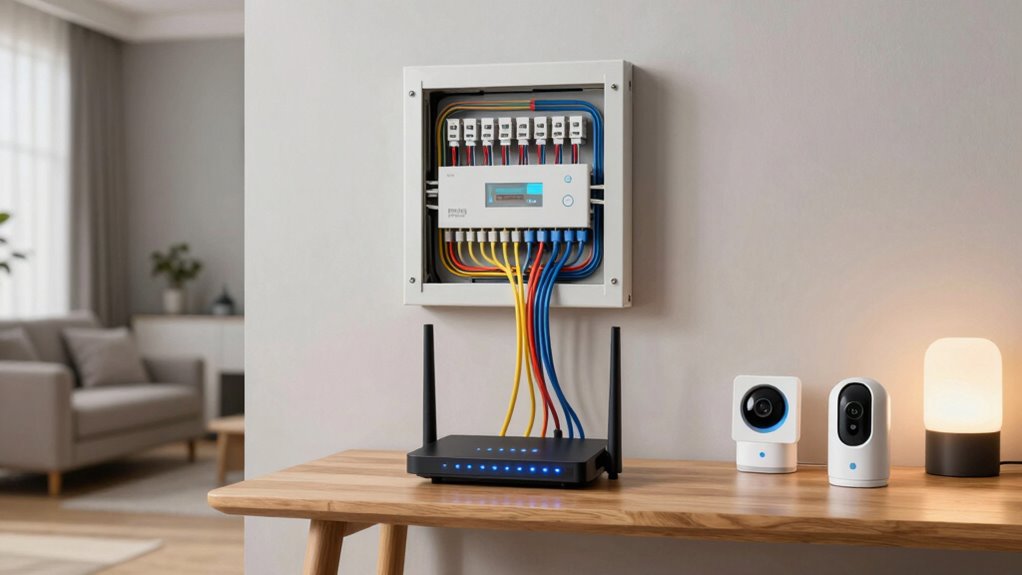
A dependable smart home network is essential for seamless connectivity and security in your connected living space. When your network is solid, your devices communicate smoothly, and you enjoy a seamless experience, whether you’re streaming, controlling appliances, or managing security cameras. To build this foundation, you need to understand what factors influence network stability and safety. One of the main challenges you’ll face is wireless interference. This occurs when signals from other devices—like cordless phones, baby monitors, or neighboring Wi-Fi networks—disrupt your smart home’s signals. To minimize this, you should consider using a dedicated frequency band, such as 5 GHz, which typically experiences less interference than the more common 2.4 GHz band. Positioning your router centrally and away from thick walls or metal objects also helps reduce interference, guaranteeing your devices maintain strong, consistent connections. Additionally, wireless interference can be mitigated by choosing optimal channels and frequencies for your Wi-Fi setup. Using channel selection intelligently can significantly improve your network’s performance in congested areas. Regularly evaluating network performance helps ensure your setup remains optimized over time. Incorporating tools that analyze your network can also help you identify sources of interference and improve overall stability. Performing regular network assessments can reveal hidden sources of interference that might be affecting your system’s reliability.
Another critical aspect is network security. Your smart home network connects all your devices, from lights and thermostats to security systems, making it a prime target for cyber threats. Securing your network prevents unauthorized access and keeps your personal data safe. This involves setting a strong, unique password for your Wi-Fi, avoiding default credentials that hackers can easily guess. Enabling WPA3 encryption, if available, adds an extra layer of protection. You should also regularly update your router’s firmware to patch vulnerabilities and improve security features. Creating a separate network or guest Wi-Fi for visitors can prevent outsiders from accessing your main network and devices, further safeguarding your smart home environment. Additionally, consider implementing a firewall and using network monitoring tools to detect suspicious activity promptly. Staying informed about the latest security practices can help you respond effectively to emerging threats. Fostering cybersecurity awareness within your household can also contribute to maintaining a safer network environment.
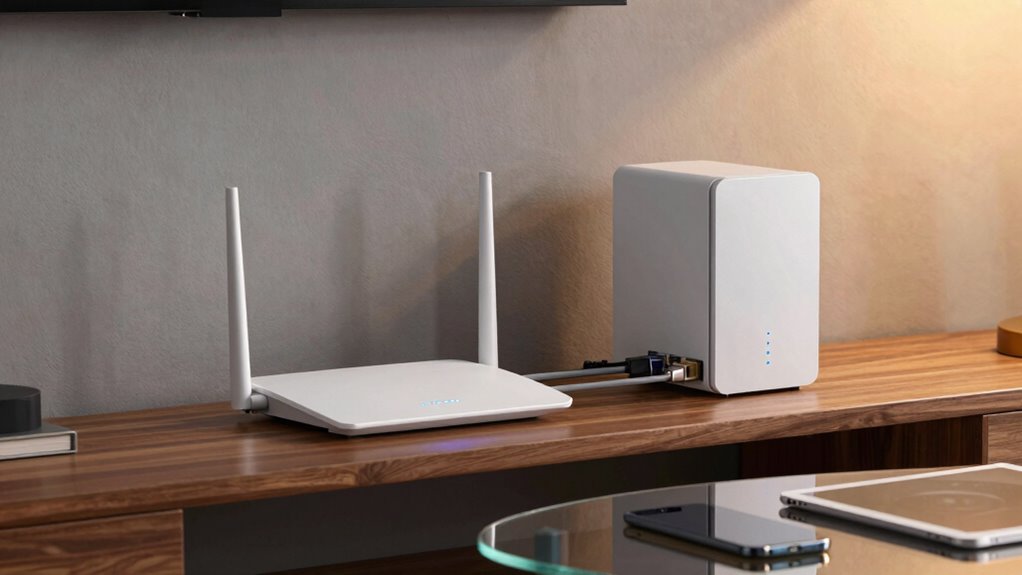
A reliable smart home network also depends on your choice of hardware. Investing in a high-quality router that offers robust signal strength and advanced security features can markedly improve your setup. Mesh Wi-Fi systems are often a smart choice for larger homes since they eliminate dead zones and provide consistent coverage everywhere. Quality hardware, combined with proper placement and security practices, ensures your network remains resilient against wireless interference and cyber threats alike. Ultimately, maintaining a dependable smart home network requires ongoing attention—regularly updating software, monitoring device connections, and adjusting configurations as needed. When you prioritize these elements, you create a strong foundation that supports all your connected devices, offering peace of mind and a seamless smart living experience.
Products Worth Considering

Samsung Galaxy Tab A11 (2026) – 8.7 90Hz Android Tablet, 64GB/4GB Wi‑Fi, Octa-core MediaTek Helio G99, Dual Dolby Speakers, 20W Fast Charger

Logitech MX Master 4 Ergonomic Wireless Mouse with Haptic Feedback, Graphite

Samsung Galaxy Tab A7 Lite 8.7 32GB Wi‑Fi Android Tablet – Long‑Lasting Battery, Compact Slim Design, Sturdy Metal Frame (US Version)
As an affiliate, we earn on qualifying purchases.
Frequently Asked Questions
How Often Should I Update My Smart Home Network Firmware?
You should update your smart home network firmware as soon as updates become available, ideally once a month or whenever the manufacturer releases a new version. Firmware updates improve network stability by fixing bugs and patching security vulnerabilities. Regular updates ensure your devices work smoothly and securely, preventing potential disruptions. Don’t wait too long—staying current with firmware helps maintain a reliable, stable smart home network.
Can I Use Multiple Routers for Better Coverage?
Yes, you can use multiple routers for better coverage by setting up a mesh networking system or using signal boosters. Mesh networks allow seamless communication between devices, eliminating dead zones. Signal boosters amplify your Wi-Fi signal, extending coverage to hard-to-reach areas. Combining these solutions ensures a reliable smart home network, providing strong, consistent connectivity throughout your space. Just make certain all devices are compatible and properly configured for maximum performance.
What Security Measures Protect My Smart Home Devices?
To safeguard your smart home devices, you should use strong encryption protocols like WPA3 to secure your Wi-Fi network. Implement access controls by setting up unique passwords and enabling guest networks for visitors. Regularly update device firmware and router software to fix vulnerabilities. These measures help prevent unauthorized access, keep your devices safe, and guarantee your smart home remains secure and private from potential cyber threats.
How Do I Troubleshoot Connectivity Issues in My Network?
To troubleshoot connectivity issues, start by checking for network congestion, which can slow your devices. Next, look for signal interference from other electronics or thick walls blocking Wi-Fi signals. Restart your router and devices to refresh connections. Make certain your router is placed centrally and away from potential interference sources. Updating firmware and changing Wi-Fi channels can also improve stability. Regularly monitor your network to catch issues early.
Is a Wired or Wireless Connection More Reliable for Smart Devices?
Surprisingly, wired connections often outperform wireless stability in smart homes. While wireless might seem convenient, it can be plagued by interference and signal drops, making it less reliable. Wired reliability, on the other hand, offers consistent speed and minimal disruptions, ensuring your smart devices work seamlessly. So, if you crave dependable performance, plugging in might be your best bet—after all, stability beats portability every time.
Conclusion
Think of your smart home network as the sturdy roots of a mighty oak tree. When these roots are strong and reliable, your entire home thrives—your devices flourish, and your peace of mind remains intact. Without a solid foundation, everything risks wilting under the storm. By investing in a dependable network, you’re nurturing your home’s future, ensuring it stands tall through every challenge. Build your roots wisely, and watch your smart home flourish forever.