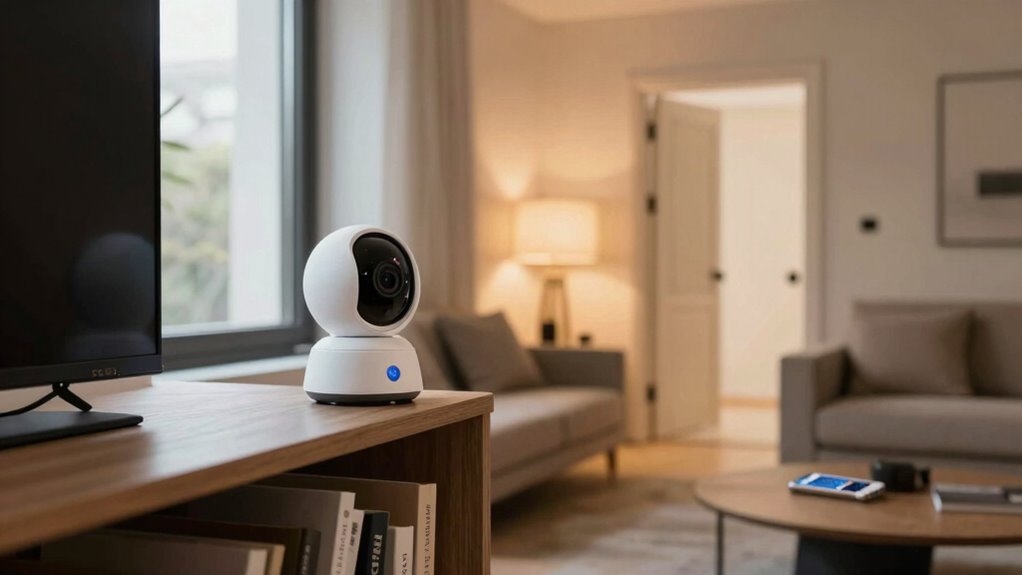

One of the biggest security mistakes new smart home owners make is leaving devices with default or weak passwords, making them easy targets for hackers. They often overlook updating firmware, which patches security flaws. Many ignore privacy settings, risking data leaks. Connecting all devices to the same network increases vulnerability; creating a separate network helps. Failing to secure physical components or disabling security features also creates openings. Stay aware of these pitfalls, as knowing more can help protect your smart home effectively.
Open a free Amazon Business account
Business pricing, bulk buying and tax-exempt orders.
As an affiliate, we earn on qualifying purchases.
Key Takeaways
- Using default or weak passwords without updating them leaves devices vulnerable to hacking.
- Neglecting to review and adjust privacy settings exposes sensitive personal data.
- Connecting all smart devices to the same network increases the risk of widespread breaches.
- Placing routers in accessible locations and not changing default admin passwords risks physical tampering.
- Failing to regularly update device firmware leaves security flaws unpatched.
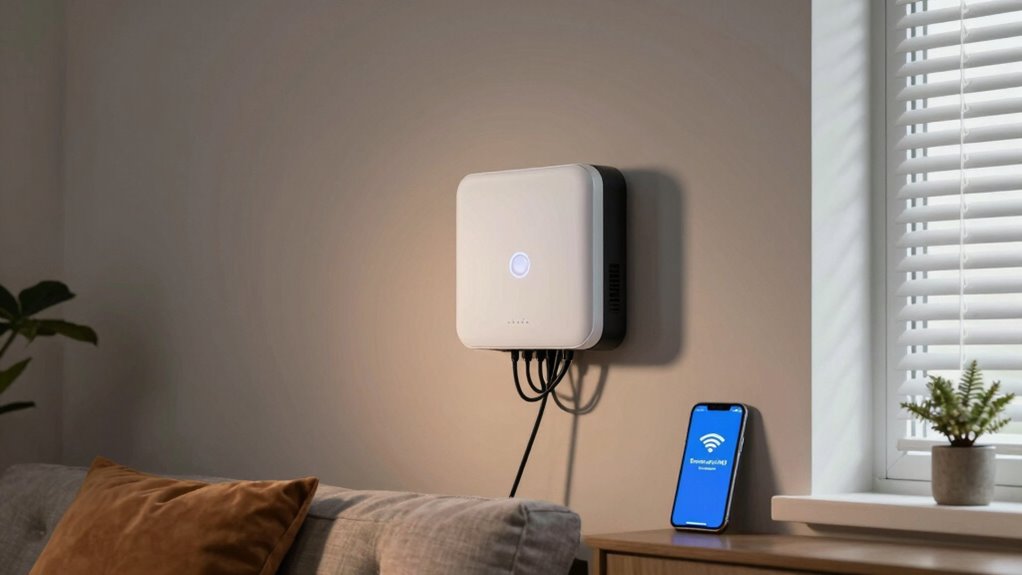
Starting a smart home can be exciting, but it also comes with security pitfalls that new owners often overlook. One of the biggest mistakes you might make is neglecting cybersecurity awareness. Many newcomers assume that their devices are secure by default, but that’s rarely the case. Without understanding basic online security principles, you leave your home vulnerable to hackers who target connected devices. For instance, using default passwords or weak ones makes it easy for intruders to gain access. You should change default login credentials immediately and create strong, unique passwords for each device. Regularly updating your device firmware is also essential since updates often patch security flaws that hackers could exploit.
Neglecting cybersecurity is a common mistake that leaves your smart home vulnerable to hackers.
Device privacy is another area where beginners often stumble. When you buy smart devices, it’s tempting to focus solely on features and convenience, but overlooking privacy settings can expose sensitive information. Many devices collect and transmit data about your habits, location, and even conversations. If you don’t review and adjust privacy controls, you risk giving third parties access to your personal life. Take the time to explore privacy options within each app or device dashboard and disable any unnecessary data sharing features. This way, you maintain control over what information your devices collect and who can see it.
A common mistake is failing to segment your network. When all your smart devices connect to the same Wi-Fi network as your personal computers and phones, a breach on one device can compromise everything. Setting up a separate network just for your smart devices creates a barrier that limits potential damage. Even if a hacker gains access to your smart camera or thermostat, they won’t easily infiltrate your primary devices and data.
Additionally, many new smart home owners don’t think about physical security in tandem with cybersecurity. For example, leaving your Wi-Fi router in plain sight or not securing it properly can be an invitation for physical tampering or unauthorized access. Keep your router in a secure location, change default admin passwords, and disable remote management unless necessary. Combining good cybersecurity habits with physical device security creates a holistic defense against threats. Being aware of cybersecurity best practices can further enhance your overall protection.
In the end, avoiding these common security mistakes requires awareness and proactive steps. By understanding cybersecurity principles, managing your device privacy settings, segmenting your network, and securing physical access, you considerably reduce the risks associated with smart home technology. It’s worth investing a little effort upfront to enjoy the convenience of your smart home without compromising your security.
As an affiliate, we earn on qualifying purchases.
Frequently Asked Questions
How Often Should I Update My Smart Home Device Firmware?
You should update your smart home device firmware as soon as updates become available, ideally every few weeks or monthly. Regular updates guarantee device compatibility with new features and security patches. Don’t forget, if an update causes issues, a firmware rollback can help you revert to a stable version. Staying current with firmware updates keeps your smart home secure and functioning smoothly, reducing vulnerabilities and enhancing device performance.
Are Default Passwords on Smart Devices Secure Enough?
Default passwords on smart devices are not secure enough because they pose significant security vulnerabilities. Cybercriminals often know common default passwords, making it easy for them to access your devices. You should always change default passwords to strong, unique ones right after setup. Doing so reduces your risk of unauthorized access and protects your smart home from potential security breaches. Never underestimate the importance of customizing your passwords for better security.
Can I Integrate Third-Party Security Apps Safely?
Did you know that 65% of smart home security breaches stem from third-party app vulnerabilities? You can integrate third-party security apps safely, but be aware of potential compatibility challenges. Always research apps thoroughly, choose reputable developers, and keep your devices updated. Avoid risky third-party apps that aren’t well-reviewed, and double-check compatibility with your smart home system. This proactive approach helps minimize third-party app risks and strengthens your home’s security.
What Should I Do if My Smart Home System Gets Hacked?
If your smart home system gets hacked, act quickly by changing your passwords and enabling two-factor authentication. Review your password management practices to guarantee strong, unique passwords for each device. Also, consider network segmentation—separating your smart devices from your main network—so that if one device is compromised, it doesn’t affect your entire home. Regularly updating firmware and monitoring activity can further help protect your system.
Are There Privacy Concerns With Smart Home Data Collection?
You might think smart homes are just about convenience, but privacy concerns are real. Data collection often happens without clear user consent, making you wonder who’s really in control. To protect yourself, prioritize devices with strong data encryption and always review privacy policies. Ironically, the very technology designed to simplify life can also expose your personal info—so stay vigilant, ask questions, and control what data you share.
As an affiliate, we earn on qualifying purchases.
Conclusion
As a new smart home owner, avoiding common security mistakes is essential. Did you know that 60% of smart device owners don’t change default passwords? That’s a huge risk! Make sure to update your passwords, enable two-factor authentication, and keep your software current. Taking these simple steps can greatly enhance your security. Stay vigilant, and don’t let basic errors leave your home vulnerable. Your smart home should be a safe haven—protect it wisely!
smart home privacy settings device
As an affiliate, we earn on qualifying purchases.
As an affiliate, we earn on qualifying purchases.
strong password manager for smart devices
As an affiliate, we earn on qualifying purchases.
As an affiliate, we earn on qualifying purchases.
NFL season / tailgating Picks
team gear
As an affiliate, we earn on qualifying purchases.