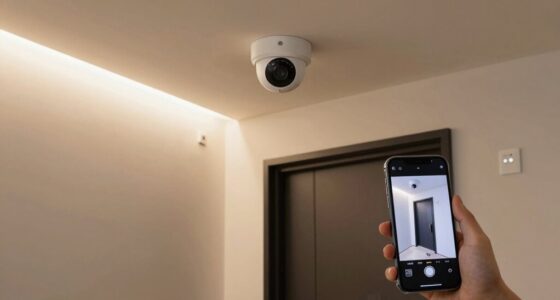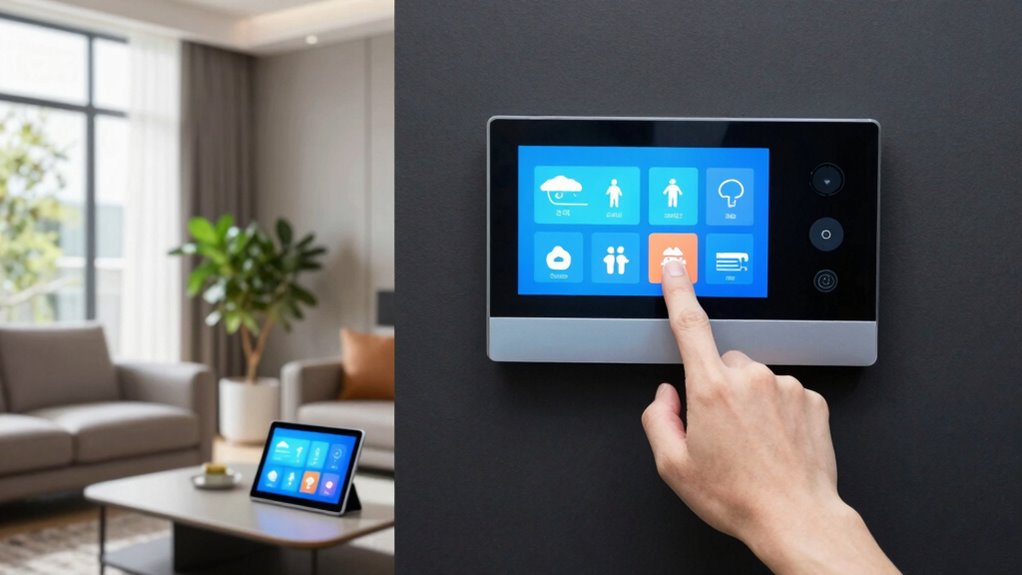

To keep your smart home secure and private, you need to understand and manage family access settings carefully. Set appropriate privacy controls and user permissions to prevent unauthorized actions and protect sensitive data. Regularly review and update access levels as your household changes, and establish clear boundaries for each user. Staying informed about evolving features helps you maintain control. Continue exploring to learn more about optimizing your family access settings for a safer, smoother smart home experience.
Key Takeaways
- Manage permissions to control who can access and operate smart devices within the household.
- Regularly review and update access levels to adapt to changing family members or needs.
- Use privacy controls to restrict sensitive information sharing and protect household data.
- Establish clear boundaries for device use, especially for children and guests, to ensure safety.
- Stay informed about new security features and updates to enhance overall smart home protection.
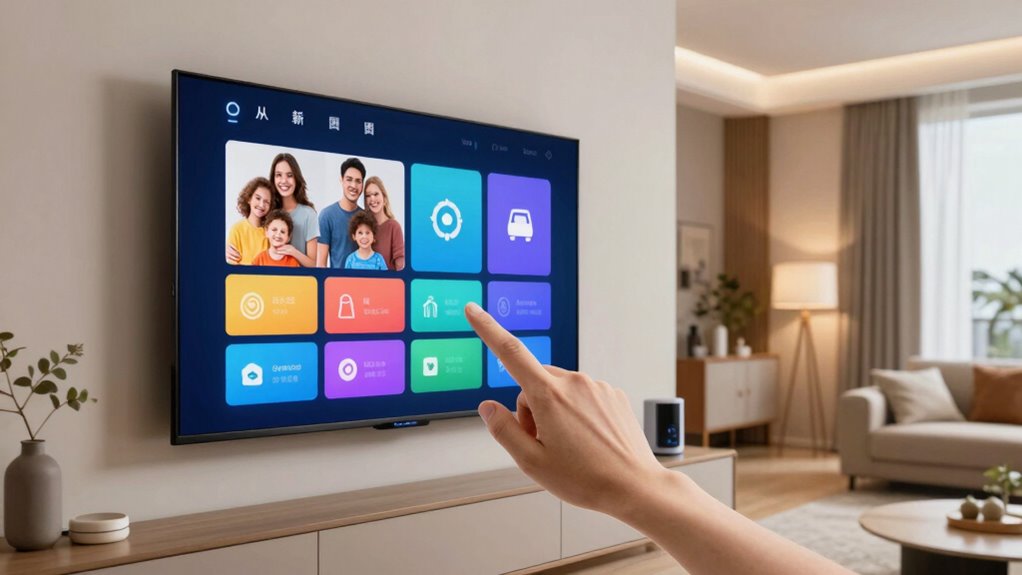
Managing your smart home family access settings is essential for securing everyone in your household can use the devices safely and comfortably. When you set up these controls properly, you create a safe environment where each family member can enjoy the benefits of your smart home without risking privacy breaches or unauthorized access. The key to effective management lies in understanding privacy controls and user permissions. Privacy controls let you decide what information each person can see or share, while user permissions determine what actions they’re allowed to perform. By fine-tuning these settings, you can prevent accidental changes, protect sensitive data, and guarantee that everyone’s experience aligns with your household rules.
You should start by reviewing the default access levels your smart home system assigns to each user. Many platforms allow you to designate roles such as admin, guest, or child, each with different levels of access. As an admin, you have the authority to modify user permissions, deciding who can control security cameras, disarm doors, or change device settings. For children or guests, limiting permissions protects your home’s privacy while still allowing them to use basic features. It’s important to establish clear boundaries so that users only access what they need, reducing the chance of accidental or malicious actions. Regularly revisiting these permissions ensures they stay aligned with your household’s changing needs. Additionally, understanding biodiversity and its importance can help you create a more environmentally conscious household that values sustainable living practices. Maintaining awareness of user permissions helps you prevent unauthorized changes and safeguard your smart home ecosystem. Moreover, staying informed about privacy controls ensures you can adapt your settings to evolving privacy concerns and security threats, especially as new security features are introduced to smart home platforms. Being proactive about security updates can further strengthen your smart home’s defenses against emerging threats.

Wireless WiFi TUYA Access Control System, Fingerprint Password ID Keypad
- Wireless Control via App: Control and monitor remotely from your phone
- Multiple Access Methods: Fingerprint, card, code, or app unlocks
- High User Capacity: Supports up to 10,000 users
As an affiliate, we earn on qualifying purchases.
As an affiliate, we earn on qualifying purchases.
Frequently Asked Questions
Can Family Access Settings Be Customized for Individual Devices?
Yes, you can customize family access settings for individual devices. You set device-specific permissions, allowing you to control what each family member can do on each device. Additionally, you can monitor user activity to guarantee appropriate usage. This way, you maintain better oversight and tailor access based on age or responsibility, making your smart home safer and more organized.
How Do I Revoke Access for a Family Member?
Did you know that 65% of smart home users prefer controlling device permissions? To revoke access for a family member, go to your device’s settings, find the family access or permissions section, and select the user you want to remove. You’ll need to update user authentication, ensuring they no longer have control over devices. Confirm the changes, and their device permissions are revoked instantly.
Are There Parental Controls Within Family Access Settings?
Yes, there are parental controls within family access settings. You can customize content restrictions and manage user permissions, ensuring your kids access appropriate content. By adjusting these controls, you limit what devices and apps they can use, set screen time limits, and monitor activity. This way, you maintain oversight and create a safer smart home environment, giving you peace of mind while allowing your family to enjoy technology responsibly.
Can Family Access Permissions Be Scheduled or Timed?
Yes, you can schedule or time family access permissions. This feature allows you to set device restrictions during certain hours, ensuring kids can’t access devices late at night or during homework time. You can also customize notification preferences to stay updated on device usage and access changes. By timing these permissions, you maintain better control, promoting healthy device habits while staying informed about your family’s activity.
What Security Measures Protect Family Access Settings From Unauthorized Changes?
Think of your family access settings as a fortress guarding your smart home. Encryption protocols act as a digital moat, shielding your preferences from intruders, while user authentication is the vigilant gatekeeper, ensuring only trusted family members can make changes. Together, they create a layered defense, preventing unauthorized tweaks and keeping your smart home secure. Trust these measures to keep your family’s access safe and your devices protected from unwanted hands.

GHome Smart Mini Wi-Fi Plug, Smart Home Wi-Fi Outlet Compatible with Alexa, Google Home & IFTTT, No Hub Required, UL Certified, 2.4G WiFi Only, 2 Count (Pack of 1), White
- Voice Control Compatibility: Works with Alexa, Google Home, IFTTT
- Remote App Control: Control and monitor remotely via mobile app
- Surge Protection: Includes intelligent surge protection chip
As an affiliate, we earn on qualifying purchases.
As an affiliate, we earn on qualifying purchases.
Conclusion
By customizing your family access settings, you guarantee your smart home remains both secure and user-friendly. For instance, imagine you set restrictions for your kids’ devices, allowing them to enjoy their devices safely without risking unauthorized access. Taking control of these settings not only protects your household but also gives you peace of mind. So, review and adjust your access permissions regularly—your smart home works best when it’s tailored to your family’s needs.

MOES Smart Home Control Panel with Alexa Built-in, Zigbee Hub
- Wide Device Compatibility: Supports switches, bulbs, sockets, cameras, locks
- Voice Control with Alexa: Hands-free control of devices and scenes
- All-in-One Zigbee Gateway: Replaces separate gateway for local control
As an affiliate, we earn on qualifying purchases.
As an affiliate, we earn on qualifying purchases.

GNCC 2K Security Cameras, Home Security Camera Indoor, 5G/2.4G WiFi 4Pack
- 2K HD Video & Night Vision: Clear 2K footage with night vision
- Pan/Tilt Rotation: 355° horizontal, 90° vertical coverage
- Smart Motion Detection: Instant alerts for movement detection
As an affiliate, we earn on qualifying purchases.
As an affiliate, we earn on qualifying purchases.