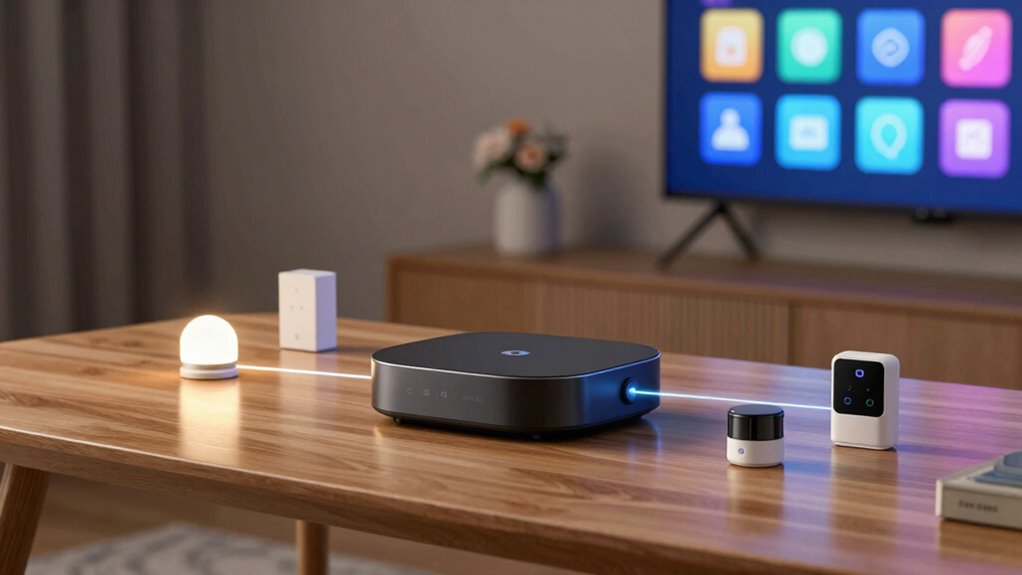

Thread border routers act as gatekeepers that connect your smart home devices to the internet, managing data flow and keeping everything secure. They support your growing network by handling multiple devices without slowdown, ensuring reliable and fast connections. With built-in security features like firewalls and support for the latest protocols, they protect your gadgets from cyber threats. Choosing the right one keeps your network safe, scalable, and future-proof—discover how they can transform your smart home setup.
Key Takeaways
- Connect and manage smart home devices securely over the Thread network.
- Enable seamless communication between devices with low latency.
- Support network scalability for expanding smart home ecosystems.
- Enhance security with advanced protocols and automatic firmware updates.
- Improve reliability and coverage through mesh networking capabilities.
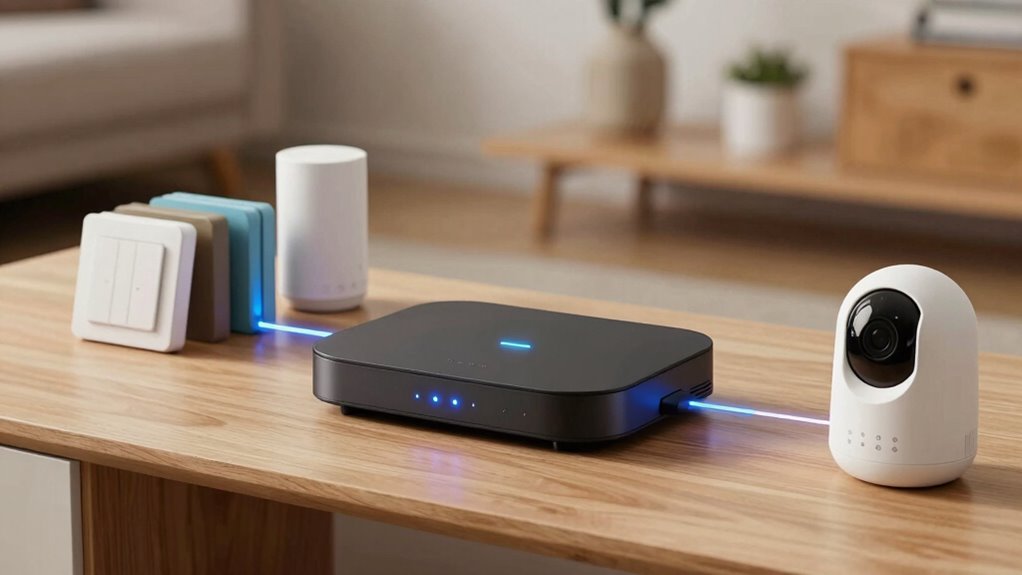
Border routers play an essential role in your smart home by acting as the gatekeepers that connect your devices to the wider internet. They’re responsible for managing how data flows between your household devices and the external network, guaranteeing everything runs smoothly and securely. As your smart home grows, the border router becomes even more critical for maintaining device security and supporting network scalability. With more devices connecting, it’s imperative that your border router can handle the increased traffic without compromising security or performance.
Device security is a top priority, especially with the rise of connected gadgets that can be vulnerable to cyber threats. A good border router helps protect your network by implementing security protocols that monitor and filter incoming and outgoing traffic. It acts as a barrier, preventing unauthorized access to your devices and data. Many modern border routers come with built-in firewalls, encryption capabilities, and automatic firmware updates that patch vulnerabilities, making it harder for hackers to exploit your network. This layer of security is indispensable, particularly when you’re adding new smart devices like cameras, thermostats, or voice assistants, which could become entry points for cyberattacks if not properly secured.
Network scalability is another critical function of a quality border router. As you add more smart devices, your network needs to expand seamlessly without slowing down or losing connection. A capable border router can handle multiple devices simultaneously, ensuring that each one maintains a reliable connection. This means less buffering, fewer dropped connections, and a smoother experience overall. Additionally, a scalable network setup allows you to extend coverage across larger areas or incorporate new technologies easily, future-proofing your smart home. Advanced border routers support multiple frequency bands, mesh networking, and prioritize traffic to ensure your most important devices stay connected without interruption. Supporting network growth is crucial for adapting to evolving smart home technologies.
In essence, your border router doesn’t just connect your devices; it actively safeguards your network and manages growth. When choosing a border router for your newer smart home, look for one that emphasizes robust device security features and can support a growing number of connected devices. The right choice ensures your smart home remains safe, responsive, and ready for whatever new gadgets or technology upgrades you want to introduce. It’s the backbone that keeps everything running efficiently, securely, and scalable, so you can enjoy all the benefits of a modern, connected home without worry.
Ensuring your border router supports latest security protocols is vital for protecting your smart home from emerging cyber threats.

Aqara Smart Hub M100 for Home Automation, Matter Controller, Thread Border Router, Features Aqara Zigbee (Not Third-Party), Wi-Fi, Supports Apple HomeKit, Amazon Alexa, IFTTT, Home Assistant
Multi-Protocol Smart Hub with Matter Bridge – The M100 is a versatile smart hub compatible with Thread devices…
As an affiliate, we earn on qualifying purchases.
As an affiliate, we earn on qualifying purchases.
Frequently Asked Questions
Can Thread Border Routers Work With Non-Thread Smart Devices?
Yes, Thread border routers can work with non-Thread smart devices through legacy compatibility and cross-protocol integration. They act as bridges, connecting Thread networks to Wi-Fi or Ethernet, allowing your older devices to communicate seamlessly with newer smart tech. This setup guarantees your entire smart home ecosystem functions smoothly, regardless of whether devices are Thread-enabled or not, providing a unified and efficient smart home experience.
How Secure Are Thread Border Routers for Smart Home Networks?
Think of your smart home network as a fortress, and the thread border router as its gatekeeper. It’s quite secure, thanks to strong encryption protocols that keep data locked tight. Additionally, regular firmware security updates act like vigilant guards, patching vulnerabilities before they become threats. While no system is invincible, a well-maintained thread border router offers a robust defense, making your smart home safer from cyber intruders.
Do Thread Border Routers Require Internet Connectivity?
No, Thread border routers don’t require constant internet connectivity. They enable network independence, allowing your smart home devices to communicate locally even if the internet goes down. While internet access can enhance features like remote control and updates, the core functions of your smart devices rely on the local Thread network. This setup guarantees your smart home remains operational and secure, without depending heavily on internet connectivity.
What Is the Setup Process for a Thread Border Router?
You set up a Thread border router by connecting it to your Wi-Fi network and powering it on. It acts as a bridge, enabling mesh networking and improving device interoperability across your smart home devices. Usually, you’ll use a companion app to configure the router, follow prompts to connect it to your internet, and guarantee it’s integrated into your existing smart home ecosystem. This setup enhances connectivity and device communication seamlessly.
How Do Thread Border Routers Handle Device Updates and Management?
You’re in the driver’s seat when it comes to device management and firmware updates. Thread border routers handle this seamlessly by securely communicating with connected devices, pushing firmware updates, and ensuring everything stays current and secure. They act as a central hub, coordinating device health and performance, so you don’t have to worry about manual updates or vulnerabilities. This keeps your smart home running smoothly and safely without missing a beat.

Google WiFi – AC1200 – Mesh WiFi Router System Bundle (3-Pack) – 4500 Sq Ft Coverage – Retail Packaging – Easy Setup, Seamless Signal for Smart Home Devices – Snow
COMPLETE MESH WIFI: Get everything you need in one box- 3 Google WiFi AC1200 routers for a clean,…
As an affiliate, we earn on qualifying purchases.
As an affiliate, we earn on qualifying purchases.
Conclusion
So, next time your smart home runs smoothly thanks to the border router, remember—it’s the unsung hero keeping everything connected. Without it, your fancy gadgets might as well be paperweights. Ironically, while you marvel at your seamless automation, it’s the quiet, behind-the-scenes border router making the magic happen. Who knew that such a tiny device could hold the key to a truly smart home? Guess we owe it a little more credit, don’t we?

Aqara Smart Home Hub M3 for Advanced Automation, Matter Controller, Thread Border Router, Features Zigbee, Bluetooth, Wi-Fi, PoE, IR, Supports Apple HomeKit, Alexa, SmartThings, Home Assistant, IFTTT
[Multi-Protocol Hub with Matter Bridge] The M3 is a versatile hub supporting Aqara Zigbee and Thread devices. It…
As an affiliate, we earn on qualifying purchases.
As an affiliate, we earn on qualifying purchases.

TP-Link Deco X55 AX3000 WiFi 6 Mesh System – Covers up to 6500 Sq.Ft, Replaces Wireless Router and Extender, 3 Gigabit Ports per Unit, Supports Ethernet Backhaul, Deco X55(3-Pack)
Wi-Fi 6 Mesh Wi-Fi – Next-gen Wi-Fi 6 AX3000 whole home mesh system to eliminate weak Wi-Fi for…
As an affiliate, we earn on qualifying purchases.
As an affiliate, we earn on qualifying purchases.