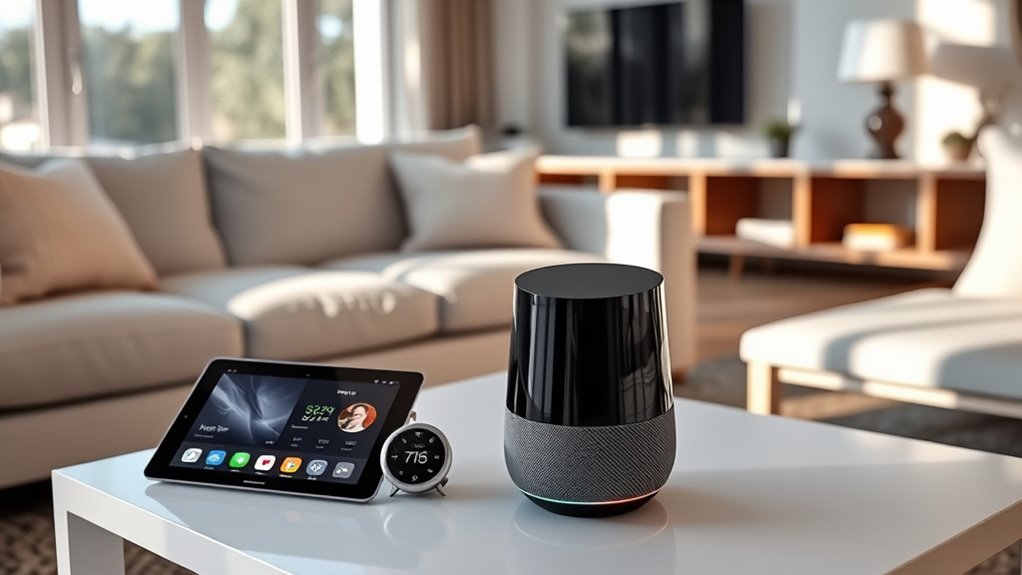
Getting started with Google Home 101 unlocks your smart home’s full potential—discover how to set up and optimize your device today.
Browsing Category
AI Assistants & Smart Hubs
37 posts
Train Your Voice Assistant: Getting Alexa/Google to Recognize Multiple Users
Discover how to train Alexa and Google Assistant for multiple users and unlock personalized smart home experiences—learn the essential steps to get started.
Setting Up a New Smart Speaker or Display: A Beginner’s Guide
A beginner’s guide to setting up your new smart speaker or display ensures seamless integration into your home—discover the essential steps to get started.
How to Create Custom Alexa Routines to Automate Everything
Optimize your daily routine by creating custom Alexa routines—learn how to automate everything effortlessly and take control of your smart home today.
Voice Assistant Privacy Settings: How to Keep Alexa and Google From Eavesdropping
Find out how to adjust your voice assistant privacy settings to stop Alexa and Google from eavesdropping effectively.
Smart Speaker Buying Guide: Choosing an AI Assistant Hub for Your Home
Optimize your smart home with the right AI assistant—discover which smart speaker fits your needs and why it’s essential to choose wisely.
Alexa Guard and Beyond: Can Voice Assistants Double as Security Systems?
Beyond basic commands, discover how voice assistants like Alexa Guard can enhance home security—are they enough, or is more needed?
Smart Displays in the Home: What Can a Hub With a Screen Do?
Fascinating and versatile, smart displays in the home serve as a central hub that can transform your daily routines—discover how they can do so much more.
Smart Homes for Accessibility: AI Tech Helping People With Disabilities
Discover how AI-powered smart homes are transforming accessibility for people with disabilities and what innovations are shaping the future.
Tired of Talking? When to Use Voice Commands Vs Buttons
Many wonder whether to rely on voice commands or buttons; understanding their best uses can enhance your device control—continue reading to find out more.