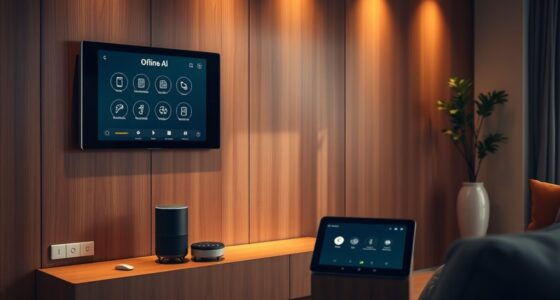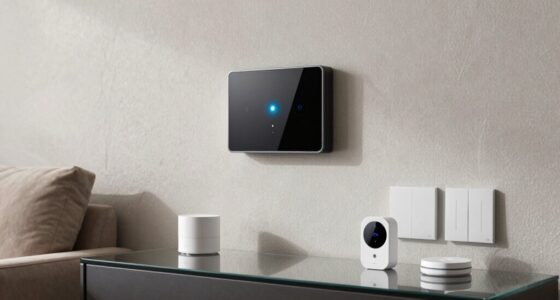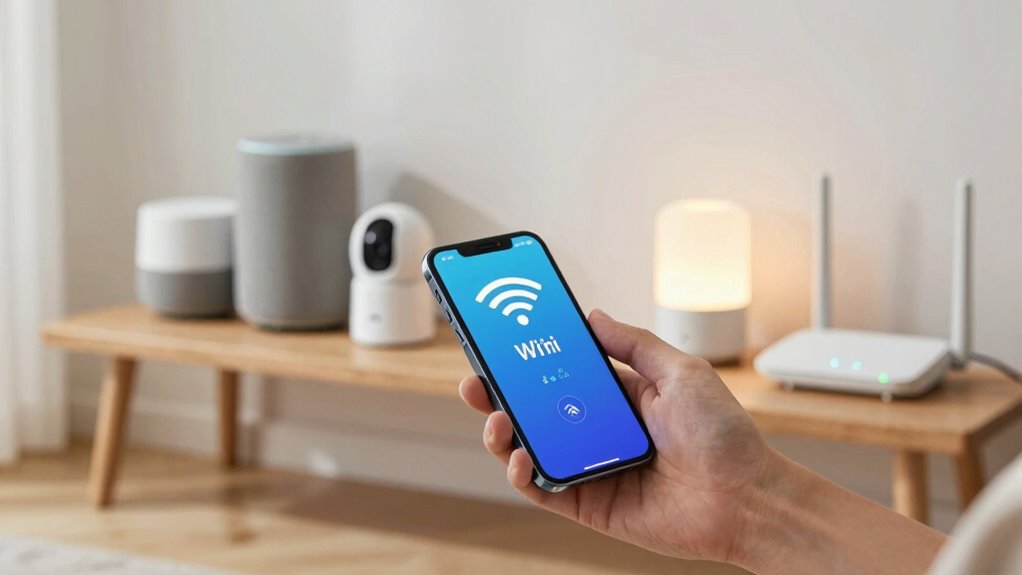

Planning your Wi-Fi setup before adding more smart devices helps you avoid network congestion, lag, and security risks. You need to guarantee your router supports the right standards and can handle increased traffic. Proper placement, network segmentation, and device compatibility are key. This planning keeps your smart home running smoothly and securely. If you keep exploring, you’ll discover how to optimize your network for seamless connectivity and future expansion.

Get home appliances delivered free with Prime
- Fast, free delivery on millions of items
- Prime Video, Amazon Music and more included
- Member-only deals all year
Key Takeaways
- Proper Wi-Fi planning ensures sufficient bandwidth and reduces network congestion for multiple smart devices.
- It helps prevent connectivity issues and device lag by optimizing network layout and coverage.
- Planning enhances security by segmenting networks and protecting personal data from cyber threats.
- It ensures device compatibility and smooth integration within the existing network infrastructure.
- Adequate Wi-Fi planning allows scalable growth, accommodating future smart device additions seamlessly.
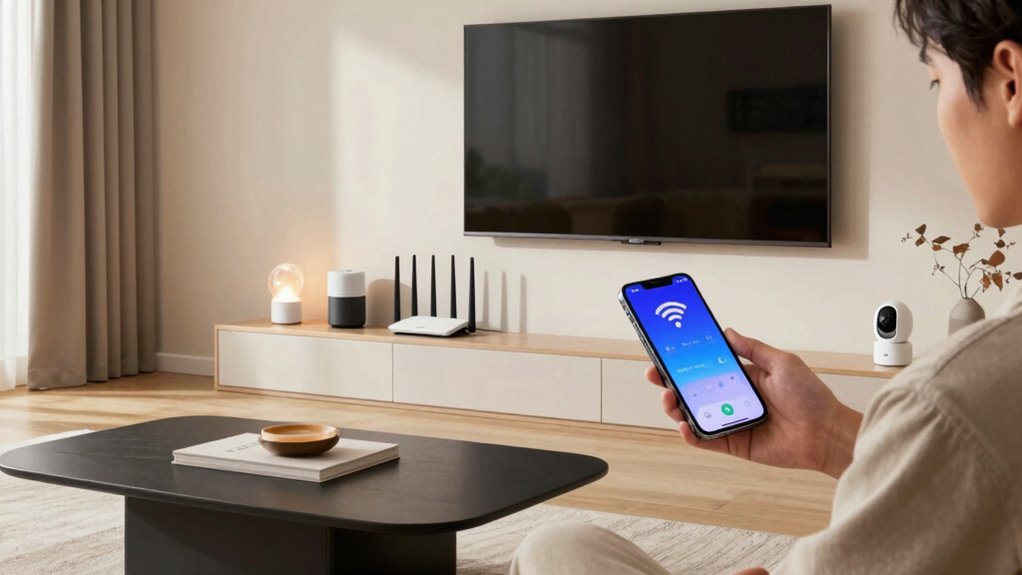
Before you start adding smart devices to your home, it’s essential to plan your Wi-Fi network carefully. Without proper planning, you risk facing connection issues, security vulnerabilities, and compatibility problems that can frustrate your entire smart home experience. Taking the time to evaluate your current network setup guarantees that your new devices will perform at their best and stay secure.
First, consider your network security. Smart devices can introduce potential entry points for cyber threats if not properly protected. Before expanding your system, update your router’s firmware and change default passwords to strong, unique ones. Segment your network by creating a separate Wi-Fi subnet dedicated to your smart devices. This way, even if a device is compromised, your main network and important data remain protected. Implementing strong encryption standards like WPA3 further enhances security, preventing unauthorized access and safeguarding your personal information.
Secure your smart home by updating firmware, using strong passwords, segmenting networks, and enabling WPA3 encryption.
Next, focus on device compatibility. Not all smart devices work seamlessly with every router or network setup. Check the specifications of your upcoming gadgets to confirm they support your existing Wi-Fi standards, such as 2.4 GHz or 5 GHz bands. Some devices only operate on a specific frequency, so making sure your network can handle both bands or is upgraded accordingly will prevent connectivity hiccups. Compatibility also extends to the communication protocols your devices use — for example, Zigbee, Z-Wave, or Wi-Fi — and whether your existing hub or controller supports them. This foresight saves you from buying incompatible devices that won’t work properly or require additional hubs, complicating your setup. Additionally, understanding network protocol compatibility can help ensure your devices communicate effectively within your smart home ecosystem.
As you plan, think about your network’s capacity. Adding more smart devices increases bandwidth demands, especially if many are streaming data or performing real-time functions. Check your current internet plan and router capabilities to guarantee they can handle the increased load. Upgrading your router or adding Wi-Fi extenders might be necessary to maintain a stable, fast connection across your entire home. Proper placement of your router and extenders also plays a critical role in avoiding dead zones and ensuring consistent device connectivity. Moreover, considering Wi-Fi signal strength in your planning can help you optimize your network layout for better coverage and performance. Also, keep in mind that future device expansion may require ongoing adjustments to your network setup to accommodate new technology and increased demand. Ensuring your network’s capacity aligns with your smart home setup is crucial for avoiding network congestion, which can significantly impact device performance. Additionally, understanding the importance of Wi-Fi planning can help prevent common issues such as network congestion and device lag.
Ultimately, thorough Wi-Fi planning before purchasing new smart devices empowers you to create a smarter, safer, and more reliable home network. It allows you to avoid common pitfalls like network congestion, security breaches, and device incompatibility. When you invest time in evaluating your network security, device compatibility, and capacity, you’re setting the foundation for a seamless smart home experience that’s both efficient and secure.
As an affiliate, we earn on qualifying purchases.
Frequently Asked Questions
How Often Should I Update My Wi-Fi Router for Better Coverage?
You should update your Wi-Fi router every 3 to 5 years to guarantee better coverage. Regular updates improve performance, address signal interference issues, and enhance security. When updating, focus on ideal router placement—central and elevated—to minimize interference from walls or appliances. Upgrading periodically keeps your network running smoothly, especially as smart devices increase and demand better coverage, making your Wi-Fi faster and more reliable.
Can Multiple Smart Devices Affect Wi-Fi Speed and Stability?
Multiple smart devices can turn your Wi-Fi into a traffic jam, dramatically affecting speed and stability. Device congestion occurs when many gadgets compete for bandwidth, while signal interference from other electronics or neighboring networks worsens the problem. As you add more devices, your Wi-Fi struggles to keep up, resulting in sluggish connections or dropped signals. To maintain peak performance, you need smart planning, like upgrading your router or reducing interference sources.
What Is the Ideal Wi-Fi Bandwidth for a Smart Home?
The ideal Wi-Fi bandwidth for a smart home depends on your device count, but generally, 100-200 Mbps covers most needs. Prioritize smart bandwidth to guarantee smooth operation, especially with multiple devices streaming or gaming. A robust router can boost router longevity and handle increased traffic. Keep your network optimized by upgrading firmware and placing your router centrally, so your smart devices stay connected reliably without slowing down your internet speed.
How Do I Troubleshoot Wi-Fi Issues With New Smart Devices?
To troubleshoot Wi-Fi issues with new smart devices, start by checking device placement; make certain they’re close to your router and not obstructed. Scan for interference sources like cordless phones or microwaves that might disrupt signals. Restart your router and device, update firmware, and test connectivity. If problems persist, consider changing Wi-Fi channels to reduce interference. These steps help improve connection stability and performance for your smart devices.
Are Wi-Fi Extenders Necessary for Large Smart Homes?
Think of your smart home as a vast city—without proper infrastructure, signals get lost in the hustle. Mesh networks offer seamless coverage, like well-planned roads, while signal boosters act as reliable bridges over traffic jams. For large homes, Wi-Fi extenders aren’t always necessary if you have a solid mesh system in place; otherwise, they help strengthen weak spots, ensuring your devices stay connected no matter how big your digital neighborhood grows.
Wi-Fi extender for whole house coverage
As an affiliate, we earn on qualifying purchases.
As an affiliate, we earn on qualifying purchases.
Conclusion
By planning your Wi-Fi setup, you’re laying a solid foundation for your smart home’s future. Think of it as tuning an instrument—without the right adjustments, the harmony falters. Taking a little time now to evaluate your network guarantees your devices work seamlessly and your home stays connected like a well-oiled machine. When you prioritize Wi-Fi planning, you’re not just buying gadgets; you’re creating a smart, smooth-sailing environment that works in perfect tune with your needs.
As an affiliate, we earn on qualifying purchases.
As an affiliate, we earn on qualifying purchases.
NFL season / tailgating Picks
team gear
As an affiliate, we earn on qualifying purchases.