To set up Alexa Guard for home security, open the Alexa app on your smartphone or tablet and make certain your Alexa devices are connected to Wi-Fi. Navigate to device settings and select “Guard,” then tap “Get Started” to activate it. Choose between “Away” or “Home” modes, and customize your alert preferences. For more detailed protection, link compatible smart devices like sensors or cameras. Keep following steps to learn how to optimize your home security setup.
Key Takeaways
- Install the Alexa app and ensure your Alexa devices are connected to Wi-Fi.
- Navigate to device settings and select the “Guard” option in the app.
- Tap “Get Started” and choose between “Away” or “Home” mode to activate Alexa Guard.
- Link compatible smart devices such as sensors, lights, or cameras for enhanced security.
- Enable sound detection, set up routines, and test your setup to ensure proper operation.
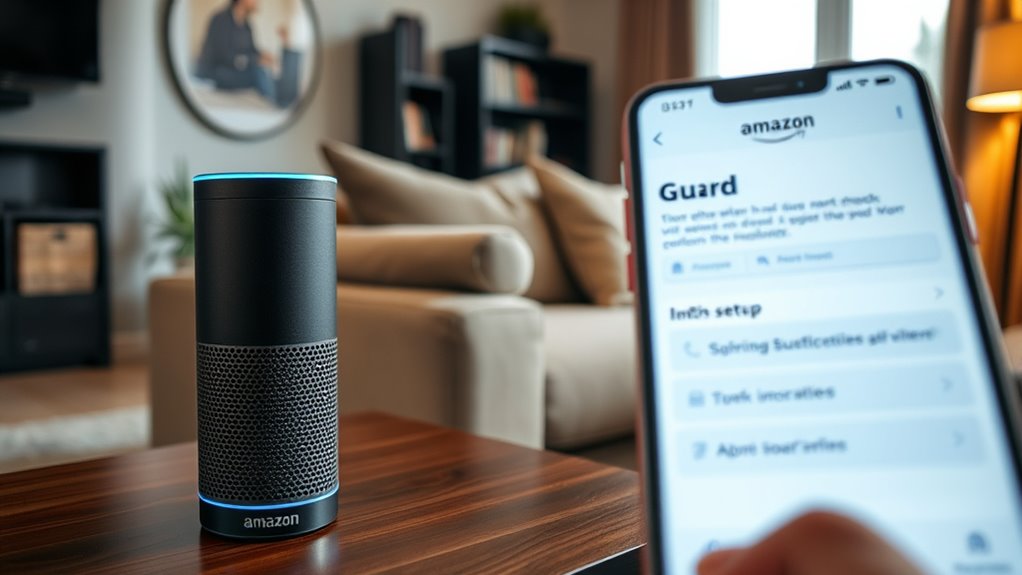
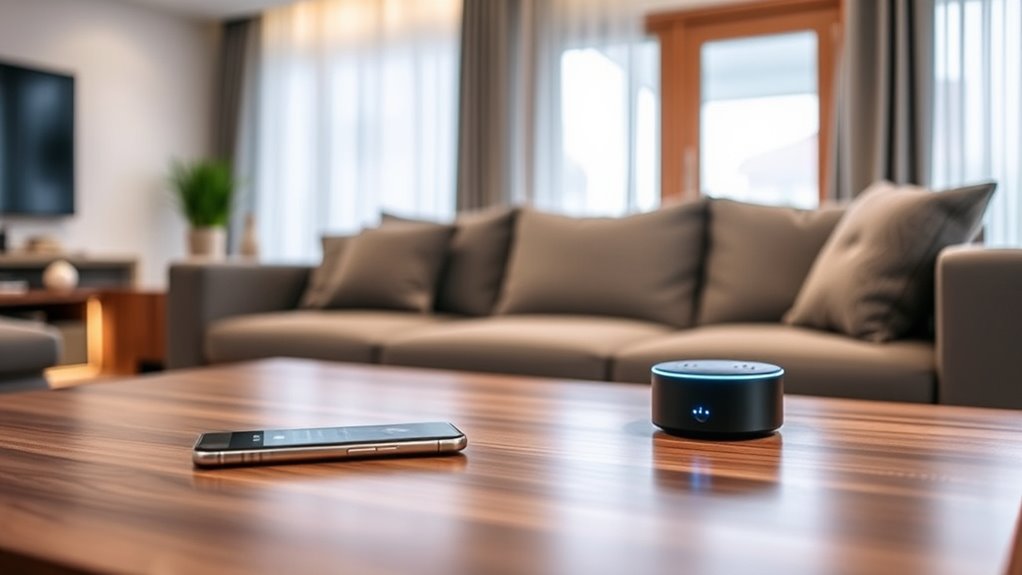
Setting up Alexa Guard is an effective way to enhance your home security with minimal effort. It’s a simple process that leverages your existing Alexa devices to detect potential threats and keep your home safer. To get started, make sure you have the Alexa app installed on your smartphone or tablet and that your Alexa devices are set up and connected to your Wi-Fi network. Open the app and navigate to the device settings, then find the “Guard” option. If you haven’t enabled it before, you’ll be prompted to do so. Tap “Get Started” and follow the on-screen instructions to activate Alexa Guard for your selected devices.
Once you activate Alexa Guard, you can choose between different modes depending on your needs. The most common are “Away,” which activates when you’re not home, and “Home,” which keeps certain features active when you’re around. In the “Away” mode, Alexa Guard listens for sounds like breaking glass, smoke alarms, or carbon monoxide alarms. When it detects these sounds, it can send you alerts via the Alexa app, giving you peace of mind even when you’re away. You can customize what sounds Alexa Guard listens for by adjusting settings in the app, enabling or disabling specific alerts to match your preferences.
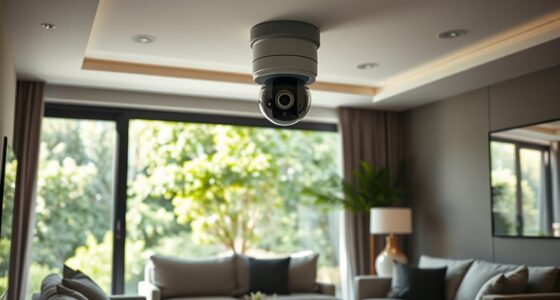
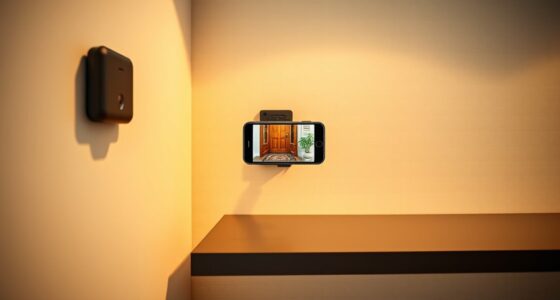
Next, you should link your Alexa Guard with compatible smart home devices for a more thorough security setup. For example, you can connect it with smart lights, door/window sensors, or security cameras. This allows Alexa to trigger actions like turning on lights or sending notifications if unusual activity is detected. To do this, go into the device settings in the app and follow the prompts to link your compatible devices. Make sure your smart devices are properly installed and configured beforehand for seamless integration.
You can also enable the “Sound Detection” feature in the app, which allows Alexa to listen for specific sounds like smoke alarms or glass breaking. Once enabled, you’ll receive notifications if these sounds are detected, helping you respond quickly to emergencies. Additionally, you can set up routines that activate when Alexa Guard detects certain sounds or motions, such as turning on exterior lights at night or sending alerts to your phone. These routines can be customized to suit your security preferences. Incorporating connected home technology can further enhance your security system, making it more integrated and responsive.
Finally, test your setup to ensure everything works correctly. Simulate a sound like breaking glass or smoke alarm to see if Alexa sends you an alert. Make adjustments as needed, and regularly review your settings to ensure they align with your current security needs. Setting up Alexa Guard isn’t just about enabling a feature; it’s about tailoring it to fit your lifestyle and home environment, giving you a reliable, easy-to-use layer of security that works behind the scenes, providing peace of mind whether you’re home or away.

X-Sense Smart Home Security System, Wireless Security System 5-Piece Set, Supports Mobile App Alerts, Compatible with Alexa, Includes 1 Base Station, 2 Door Sensors, 1 Motion Sensor, 1 Keypad, AS05
Note: Compatible only with 2.4 GHz Wi-Fi (incompatible with 5.0 GHz); connects to the X-Sense Home Security App…
As an affiliate, we earn on qualifying purchases.
As an affiliate, we earn on qualifying purchases.
Frequently Asked Questions
Can Alexa Guard Differentiate Between Family Members and Intruders?
No, Alexa Guard doesn’t currently differentiate between family members and intruders. It mainly detects sounds like glass breaking, smoke alarms, or carbon monoxide alerts, and can notify you if these sounds are detected. To improve security, you can set up routines or use voice profiles with compatible devices to recognize familiar voices, but Alexa Guard itself doesn’t identify individual people or distinguish between trusted family members and potential intruders.
Does Alexa Guard Work With All Alexa-Enabled Devices?
Yes, Alexa Guard works with most Alexa-enabled devices, including Echo speakers and displays. However, compatibility can vary based on the device model and software updates. To verify it functions properly, make sure your devices are updated to the latest software and are connected to the same Amazon account. Keep in mind that some features might be limited on older or less common devices, so check your device’s specifications for full compatibility.
How Does Alexa Guard Alert Me During an Alarm?
You might think Alexa Guard won’t alert you during an alarm, but it actually does. When it detects a suspicious sound or glass breaking, it sends you an alert on your phone through the Alexa app. If you’ve enabled security notifications, you’ll get real-time updates, allowing you to respond quickly. This proactive feature keeps you informed and helps you act fast to protect your home, even when you’re away.
Is My Home Security Data Stored Securely With Alexa Guard?
Yes, your home security data with Alexa Guard is stored securely. Amazon encrypts your alerts, recordings, and settings both during transmission and when stored in the cloud. They follow strict privacy policies and give you control over what data is saved or deleted. You can review and manage your privacy settings easily through the Alexa app, ensuring your information stays protected while you benefit from the security features.
Can I Customize Alerts for Specific Security Events?
Want to customize alerts for specific security events? Yes, you can! You just need to open the Alexa app, go to the Guard settings, and select the event types you want alerts for, like glass breaking or alarms. This way, you get notifications tailored to your needs. Isn’t it reassuring to have control over what alerts you receive, making your home security truly personalized?

LaView Security Cameras 4pcs, Home Security Camera Indoor 1080P, Wi-Fi Cameras Wired for Pet, Motion Detection, Two-Way Audio, Night Vision, Phone App, Works with Alexa, iOS & Android & Web Access
Stay Connected Anywhere: This wired Wi-Fi Camera access 24/7 live streams via LaView app on mobile or web…
As an affiliate, we earn on qualifying purchases.
As an affiliate, we earn on qualifying purchases.
Conclusion
Once you’ve set up Alexa Guard, you’re better equipped to protect your home. Did you know that homes with smart security systems experience 20% fewer burglaries? By integrating Alexa Guard, you not only get peace of mind but also a smarter way to monitor your space. Stay vigilant, keep your devices updated, and enjoy the enhanced security that Alexa Guard provides—making your home safer and more connected every day.

Sengled Use Products, Compatible with Alexa and Google Assistant
【Extra Bright Smart Light Bulb】Smart light bulb A19 with 1500 lumens (100 watt incandescent equivalent) helps illuminate rooms…
As an affiliate, we earn on qualifying purchases.
As an affiliate, we earn on qualifying purchases.

CPVAN 125dB Loud Motion Sensor Alarm with 328ft Remote Control (40ft PIR Detector, Batteries), Indoor Wireless Infrared Security Motion Detector with Siren for Home Garage Van (CP2 Pro, Black)
Super Loud and Easy to Use👉 CPVAN Motion Sensor Alarm is designed with 125dB alert device and simple…
As an affiliate, we earn on qualifying purchases.
As an affiliate, we earn on qualifying purchases.