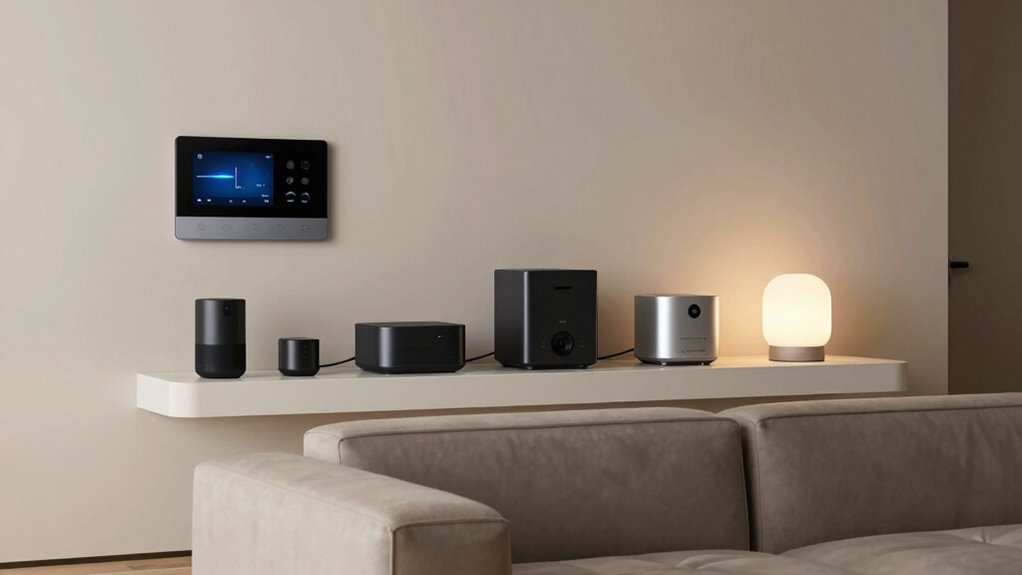

To keep your growing smart home from turning into chaos, create a centralized management system using a dedicated app or hub to control all devices easily. Regularly review privacy and security settings, updating or disabling features as needed. Organize devices into categories or groups, and set routines that automate tasks to save time. Stay proactive with firmware updates and security measures. If you keep these tips in mind, you’ll learn how to maintain a smooth, efficient smart home.

Get home appliances delivered free — and shop member deals
- Fast, free delivery on millions of items
- Access to Prime Big Deal Days deals on October 6–7
- Prime Video, Amazon Music and more included
Key Takeaways
- Use a centralized app or hub to manage all devices and create organized groups for easy control.
- Regularly review and update privacy, security, and automation settings to prevent conflicts and vulnerabilities.
- Label devices clearly and establish a consistent naming system for quick identification.
- Schedule routine checks and updates to maintain system organization and adapt to evolving needs.
- Balance automation with manual oversight to ensure efficiency without chaos.
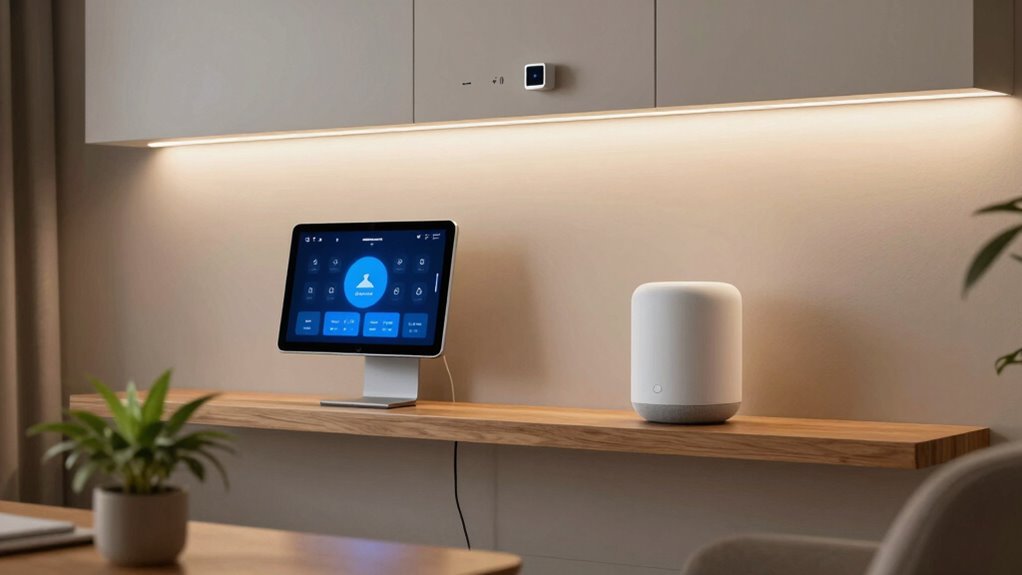
As your smart home expands, it’s easy for the technology to become overwhelming and disorganized. With more devices, voice control systems, and automation routines, it’s tempting to keep adding without thinking about the bigger picture. But if you don’t stay organized, your smart home can quickly feel chaotic and difficult to manage. To keep things running smoothly, start by establishing a clear system for managing your devices. Use a central hub or app that consolidates control, so you don’t have to juggle multiple apps or platforms. Label your devices clearly and create folders or groups within your control app to categorize everything—lights, thermostats, security cameras, and more. This way, you can quickly find and adjust what you need without frustration.
Voice control is a key feature that makes managing your smart home more convenient, but it can also introduce privacy concerns. When you enable voice assistants, you’re fundamentally allowing them to listen to your conversations, which might make you wary of constant surveillance. To address this, review the privacy settings of your voice control devices regularly. Disable voice recording features if you’re uncomfortable with the idea of your conversations being stored or analyzed. Many devices let you delete voice command history or turn off voice recognition altogether. Also, consider placing microphones in strategic locations—avoiding bedrooms or private spaces—to reduce the risk of accidental activation or eavesdropping. Incorporating proper device placement can further enhance privacy and reduce false activations. Being aware of privacy considerations helps you maintain control over your personal information while enjoying the convenience.
Another way to keep your smart home organized is to set rules and routines that automate tasks without creating chaos. For example, program your lights to turn on at sunset or your thermostat to adjust when you leave the house. This reduces manual control and keeps your home functioning seamlessly. Be cautious with automation rules that overlap or conflict, as they can cause unexpected behavior. Regularly review and update your routines to ensure they still serve your needs and don’t introduce unnecessary complexity. Additionally, understanding biodiversity and incorporating sustainable practices can help you create a more eco-friendly and resilient smart home environment. Implementing smart energy management techniques can also contribute to a more efficient and environmentally conscious setup.
Finally, don’t forget security. As your smart home grows, so does the potential for vulnerabilities. Use strong, unique passwords for each device and enable two-factor authentication wherever possible. Keep your firmware and apps up to date to patch security flaws. Remember, a well-maintained, organized smart home isn’t just about convenience—it’s also about protecting your privacy and peace of mind. By staying proactive about management, privacy, and security, you’ll enjoy the benefits of your expanding smart home without the stress of a tech mess.
As an affiliate, we earn on qualifying purchases.
Frequently Asked Questions
How Do I Prioritize Which Smart Devices to Add First?
Start by prioritizing devices that enhance daily convenience and energy efficiency, like smart thermostats or lights. Check device compatibility first to guarantee seamless integration with your existing setup. Focus on gadgets that save energy and simplify routines, then expand gradually. This way, you avoid tech clutter, maximize efficiency, and make sure new devices work well together, creating a smooth, manageable smart home that grows with your needs.
What Are the Best Practices for Managing Multiple Smart Home Apps?
To manage multiple smart home apps effectively, focus on device integration and user permissions. Use a centralized hub or app that supports your devices for seamless control. Regularly update app permissions to guarantee only trusted users have access. Organize devices into groups or rooms, and set automation rules to simplify control. This way, you keep your smart home organized, secure, and easy to manage as it grows.
How Can I Ensure My Smart Home Remains Secure From Hacking?
To keep your smart home secure from hacking, prioritize strong network encryption and robust device authentication. Regularly update your devices and firmware, change default passwords, and enable two-factor authentication where available. Use a dedicated network for your smart devices, monitor network activity, and disable remote access if unnecessary. These steps help protect your devices from vulnerabilities, ensuring your smart home stays safe, private, and resilient against cyber threats.
What Should I Do if My Smart Devices Stop Syncing?
If your smart devices stop syncing, first check device compatibility to guarantee updates haven’t caused issues. Then, verify your network stability, as poor Wi-Fi can disrupt syncing. Restart your devices and router to refresh connections. Make sure firmware and app updates are current, and consider resetting devices if syncing problems persist. Keeping your network stable and compatible devices will help prevent future syncing issues and keep your smart home running smoothly.
How Can I Easily Update or Upgrade My Existing Smart Home Equipment?
To easily update or upgrade your smart home equipment, start by checking for firmware updates through your device apps, ensuring voice control features are enabled for convenience. Consider replacing outdated devices with newer, energy-efficient models to boost energy efficiency. Integrate smart hubs or platforms that support multiple devices, making upgrades seamless and centralized. Regularly review device compatibility and firmware updates to keep your system running smoothly without a tech mess.
As an affiliate, we earn on qualifying purchases.
Conclusion
As your smart home expands, remember that too many cooks spoil the broth—staying organized and setting boundaries keeps your tech tidy. Regularly review and update your devices, and don’t be afraid to simplify when things get overwhelming. A cluttered home breeds chaos, but with a little planning, you can enjoy a seamless, efficient smart space. After all, a stitch in time saves nine, so stay proactive to keep your smart home running smoothly.
As an affiliate, we earn on qualifying purchases.
As an affiliate, we earn on qualifying purchases.
Fall Picks
fall essentials
As an affiliate, we earn on qualifying purchases.