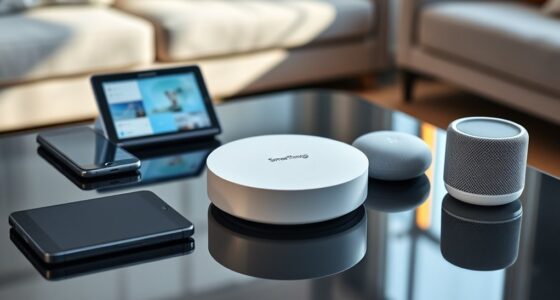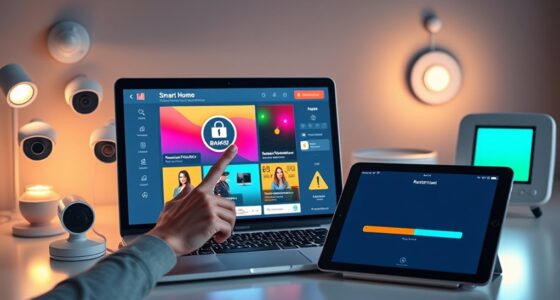
To avoid annoying your guests with your smart home tech, turn off notifications and responses during visits, so devices don’t interrupt conversations or make unexpected sounds. Respect your guests’ comfort by offering control over devices like lighting or temperature, and avoid overly flashy setups. Explain your tech simply if asked, but don’t push features on others. Keep devices discreet and make sure they operate smoothly. If you want to create a welcoming environment, considering these tips will help you manage your smart home gracefully.
Key Takeaways
- Turn off or mute voice assistants during visits to prevent unwanted announcements or disruptions.
- Discreetly adjust lighting, temperature, and smart features before guests arrive to avoid overwhelming them.
- Inform guests about any surveillance devices and ensure cameras are positioned respectfully.
- Use unobtrusive, aesthetically pleasing devices that blend seamlessly with your decor.
- Offer clear, friendly explanations of smart home features if guests show interest, respecting their comfort levels.
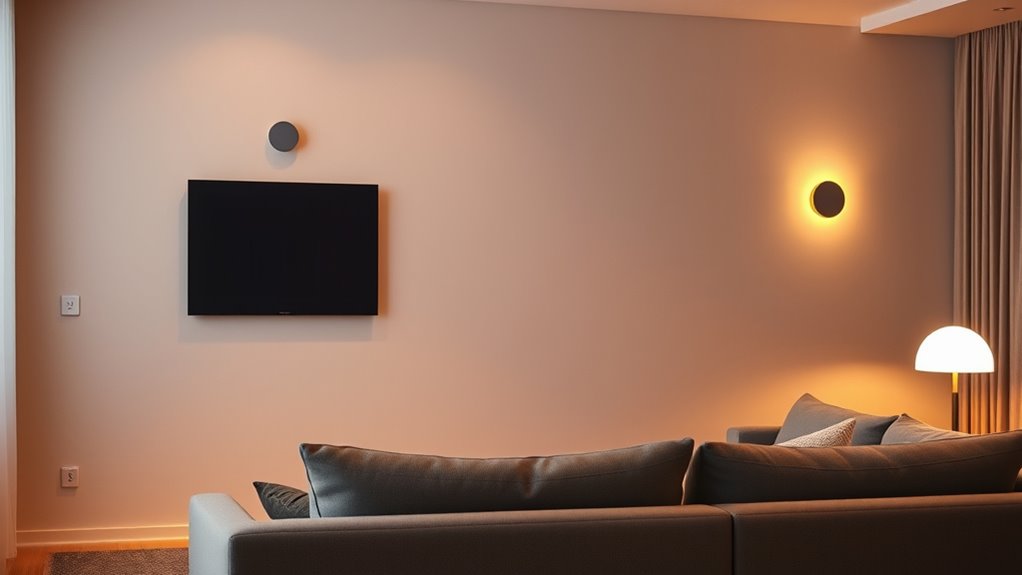
As smart homes become more common, understanding proper etiquette is essential to guarantee everyone feels comfortable and respected. When you invite guests into your home, your tech can be impressive, but it can also be intrusive if not handled thoughtfully. To ensure your gadgets enhance the experience rather than detract from it, start by being mindful of your automation and device use. For instance, avoid loudly announcing your smart assistant’s responses or having it constantly listening for commands. If your voice-activated devices are visible, consider turning off their notifications or responses during visits so they don’t interrupt conversations or create awkward moments.
Another key point is respecting your guests’ comfort with your technology. Not everyone is familiar or comfortable with smart devices, so don’t assume everyone wants to interact with voice assistants or smart displays. Instead, offer options. For example, if you’re controlling the lighting or temperature, do so discreetly before guests arrive, or politely ask if they’d like to adjust settings themselves. If they seem hesitant, respect their decision. Avoid forcing commands or pushing your smart home features onto others, as this can make your guests feel uneasy or out of place.
Respect guests’ comfort by offering discreet control options and respecting their preferences with smart devices.
Privacy is a big concern when it comes to smart home tech. Make sure your devices aren’t capturing or storing audio or video without clear consent. If you have security cameras, position them where they won’t invade your guests’ privacy, and inform visitors about their presence. Don’t use your smart doorbell or surveillance systems as a way to spy on guests or monitor their conversations. Remember, your home’s smart features should serve to make life more convenient, not to intrude on personal boundaries. Additionally, understanding the technological limitations of your devices can help prevent unintended disclosures or malfunctions during visits.
It’s also wise to keep your smart home’s aesthetics and functionality subtle. Overly flashy devices or complex setups can distract or overwhelm visitors. Instead, opt for sleek, unobtrusive gadgets that blend into your decor. When setting up your home, test how your devices operate during gatherings, ensuring they don’t activate unexpectedly or create noise. If an automated routine or feature might cause confusion or discomfort, turn it off or adjust it beforehand.
Lastly, be prepared to explain your technology simply if guests ask about it. A quick, friendly rundown can make them more comfortable and show that you’re considerate of their experience. When you strike the right balance—using your tech thoughtfully, respecting privacy, and being attentive to your guests’ comfort—you’ll create a welcoming environment that leverages the benefits of smart home innovation without annoying or alienating anyone.

SONOFF Zigbee Switch, SNZB-01P Wireless Push Button, Supports to Create Smart Scenes, Trigger the Connected Devices on eWelink APP with Three Control Options, SONOFF ZigBee Bridge Required, 1Pack
- Requires Zigbee Hub: SNZB-01P needs Zigbee hub to function
- Customizable Button Actions: Control devices with press, double press, long press
- Zigbee 3.0 Compatibility: Supports Zigbee 3.0 hubs and protocols
As an affiliate, we earn on qualifying purchases.
As an affiliate, we earn on qualifying purchases.
Frequently Asked Questions
How Can I Ensure My Smart Devices Are Secure From Hacking?
To keep your smart devices secure from hacking, you should regularly update their firmware and software, use strong, unique passwords, and enable two-factor authentication when available. Disconnect devices when not in use, and avoid connecting to unsecured Wi-Fi networks. Additionally, change default settings and disable features you don’t need. By staying vigilant and maintaining good security habits, you protect your smart home from potential threats effectively.
What Should I Do if My Smart Home Tech Malfunctions During a Guest Visit?
When your smart home tech acts up during a guest’s visit, don’t let it turn into a circus. First, stay calm and quickly switch to manual controls if possible. Apologize briefly to your guests and offer a solution, like a quick reboot or turning off the device. Keep your cool, troubleshoot discreetly, and remember—most tech glitches are temporary. Your calmness keeps the atmosphere relaxed and your guests comfortable.
How Do I Balance Automation With Guest Preferences?
You should customize your automation to accommodate your guests’ preferences. Ask them about their comfort levels with smart devices and offer manual controls if needed. Keep automation simple and unobtrusive, avoiding overly complex routines that could surprise or annoy your guests. Be flexible, and if they prefer to control things themselves, respect that choice. You’ll create a welcoming environment that balances convenience with their comfort.
Are There Privacy Concerns Guests Might Have With Smart Home Devices?
You might be surprised how often guests worry about their privacy when they see smart devices. They could wonder if you’re secretly listening or recording. To ease their concerns, explain that you only use devices responsibly, and always respect their privacy. Show them how to control settings or disable certain features. By being transparent, you create a comfortable environment where your guests can enjoy your smart home without feeling uneasy.
How Can I Politely Ask Guests to Avoid Using Certain Smart Features?
You should politely ask your guests to avoid certain smart features by saying, “Hey, I’d appreciate it if you could refrain from using the smart lock or voice assistant while you’re here. It’s just so I can keep everything secure and comfortable for everyone.” Keep your tone friendly and respectful, emphasizing that it’s about maintaining privacy and security. Most guests will understand and respect your boundaries.

GE Cync Reveal HD+ Smart Undercabinet Light Fixture, Color Changing, 12-in Bar
- Easy setup without hub: Control via Cync app, direct wiring or plug-in
- Color changing capability: Adjustable colors for ambiance
- Voice control via Matter: Compatible with Alexa, Google, SmartThings, Apple
As an affiliate, we earn on qualifying purchases.
As an affiliate, we earn on qualifying purchases.
Conclusion
By following these smart home etiquette tips, you turn your tech into a welcoming hug rather than an awkward stranger. Remember, your gadgets should enhance your guests’ experience, not overshadow it. Think of your smart home as a garden—you nurture it with kindness and respect, and it’ll blossom into a space where everyone feels comfortable. When you strike that perfect balance, your tech becomes a silent partner in creating warm, memorable moments.

Eve Cam (Apple Home) – Smart Indoor Camera, 1080p Resolution, Wi-Fi, 100% Privacy, HomeKit Secure Video, iPhone Notifications, Microphone & Speaker, Night Vision, Flexible Installation
- High-Definition 1080p Video: Clear, detailed indoor surveillance
- Wi-Fi Connectivity: Easy wireless setup and access
- Privacy-Focused Security: Supports Apple HomeKit Secure Video
As an affiliate, we earn on qualifying purchases.
As an affiliate, we earn on qualifying purchases.

rolls MM11PRO Switchable Microphone Mute/Talk Professional Microphone Switch
- Switchable Talk/Mute Function: Push to talk or mute
- Phantom Power Compatible: Supports phantom power
- Signal Attenuation: Lowers mic signal by 60 dB
As an affiliate, we earn on qualifying purchases.
As an affiliate, we earn on qualifying purchases.