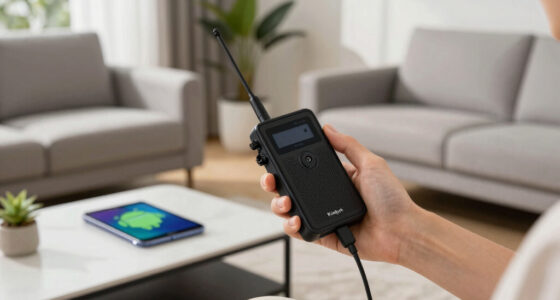
Smart home failures often happen when you overlook compatibility, security, connectivity, or user errors. You might face devices that stop working after updates or become locked out due to poor security measures. Weak Wi-Fi signals or poor setup can cause frustrating disconnections. Relying too heavily on support without understanding your system can also lead to trouble. To safeguard your home, learn how these issues happen and discover steps to prevent them as you explore further.

Get home appliances delivered free with Prime
- Fast, free delivery on millions of items
- Prime Video, Amazon Music and more included
- Member-only deals all year
Key Takeaways
- Ensure device compatibility and keep software updated to prevent glitches and communication failures.
- Strengthen security with strong passwords and regular firmware updates to avoid hacking and data breaches.
- Improve Wi-Fi coverage with mesh networks or range extenders to minimize connectivity issues.
- Properly configure and regularly review device settings to prevent user errors and routine malfunctions.
- Gain system understanding beyond manufacturer support to proactively identify vulnerabilities and troubleshoot effectively.
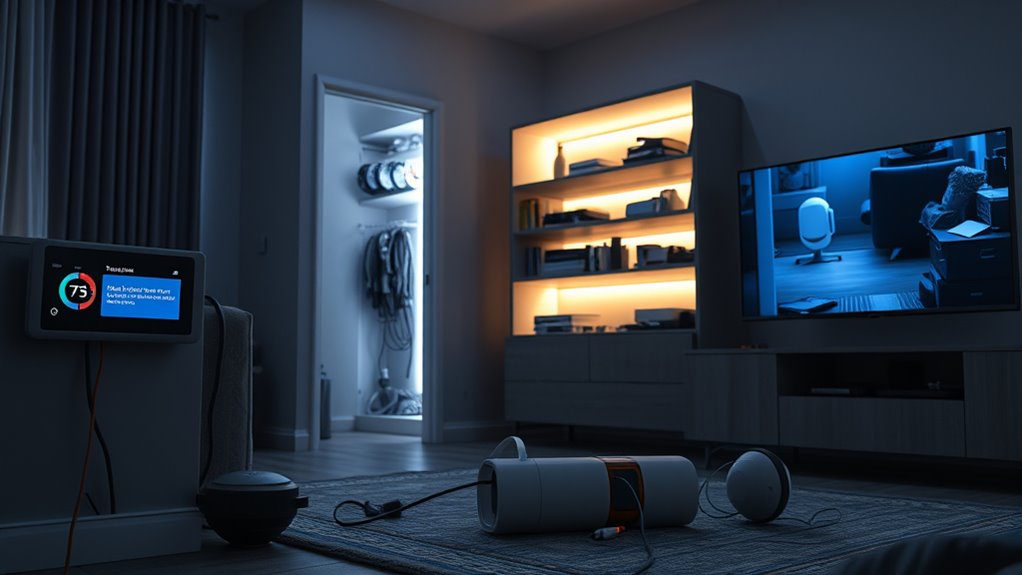
Smart home technology promises convenience and efficiency, but it often comes with unexpected pitfalls that can disrupt your daily life. You’ve probably read about smart devices making life easier—automated lights, voice-controlled thermostats, security cameras that keep an eye on your home—and thought how seamless everything seems. However, behind the glossy interface are real risks that can turn a smart home from a haven into a source of frustration or even danger. One common mistake is underestimating the complexity of these systems. You might install a smart hub expecting it to automatically coordinate your lights, locks, and cameras, only to find that compatibility issues or software glitches cause devices to stop communicating. It’s easy to assume everything will work flawlessly, but in reality, updates or network changes can break integrations, leaving you locked out or in the dark—literally.
Another frequent horror story involves security breaches. You install a smart security camera or door lock, trusting that your data is safe, but cybercriminals often exploit vulnerabilities in poorly secured devices. If you don’t change default passwords or neglect regular firmware updates, you might unwittingly give hackers access to your home. This can lead to stolen footage, unauthorized entry, or worse. It’s a stark reminder that convenience shouldn’t come at the expense of security. Failing to secure your network, using weak passwords, or ignoring manufacturer warnings can turn your smart home into a target. The worst part is that many people don’t realize their devices are compromised until it’s too late, making prevention essential. Additionally, relying solely on manufacturer support without understanding the system architecture can leave you vulnerable to ongoing issues.
Connectivity issues also top the list of frustrations. You might have a smart speaker that’s supposed to respond to your voice commands, but if your Wi-Fi signal is weak or inconsistent, commands won’t go through. Dead zones in your house can turn into black holes where smart devices become useless, forcing you to revert to manual control. Furthermore, overloading your Wi-Fi network with too many devices can cause delays or disconnections, aggravating the problem. You might find yourself repeatedly resetting devices or troubleshooting network issues, wasting time and patience. To avoid this, you need to plan your network carefully, invest in a strong mesh Wi-Fi system, and limit the number of connected devices.
Finally, user error plays a surprisingly big role in smart home fails. You might assume that setting up your devices is straightforward, but without proper understanding, you risk misconfigurations that lead to malfunctioning systems. For example, scheduling routines incorrectly or forgetting to update firmware can result in devices behaving unpredictably. It’s essential to read instructions carefully, keep software up to date, and regularly review your device settings. Learning from these failures involves recognizing that smart homes require ongoing maintenance, not just initial setup. By staying vigilant, updating security, and understanding your devices, you can turn potential disasters into opportunities for smarter, safer living.
smart home device compatibility checker
As an affiliate, we earn on qualifying purchases.
As an affiliate, we earn on qualifying purchases.
Frequently Asked Questions
How Can I Prevent Smart Home Security Breaches?
You can prevent smart home security breaches by using strong, unique passwords for all devices and updating them regularly. Enable two-factor authentication whenever possible and keep your firmware up to date to patch vulnerabilities. Secure your Wi-Fi network with a strong password and encryption. Limit device access to trusted users, and disable any unnecessary features. Regularly monitor your network for suspicious activity to stay ahead of potential threats.
What Are Common Compatibility Issues With Smart Devices?
You often encounter compatibility issues when smart devices use different protocols like Zigbee, Z-Wave, or Wi-Fi, which may not work seamlessly together. Sometimes, devices from different brands or generations don’t connect properly, causing frustration. To avoid this, check device compatibility before purchasing, stick to a single ecosystem, and guarantee your hub or controller supports all your devices. Regularly update firmware to maintain compatibility and smooth operation.
How Do I Troubleshoot a Smart Home Device That Won’T Connect?
Imagine your smart device as a dancer waiting to perform but missing the beat. First, check your Wi-Fi connection—ensure it’s strong and stable. Restart your device and router to refresh the connection. Make sure your app and firmware are up to date. Move the device closer to your router if needed. If it still won’t connect, reset the device and try pairing again, keeping an eye on any error messages.
What Safety Precautions Should I Take With Smart Home Automation?
You should always change default passwords and enable two-factor authentication to protect your devices from hacking. Keep your firmware updated regularly to close security gaps. Use strong, unique Wi-Fi passwords and consider setting up a separate network for your smart devices. Be cautious about granting app permissions and avoid connecting devices to public Wi-Fi. Regularly monitor your system for unusual activity to make sure your smart home remains safe.
How Can I Protect My Privacy With Smart Home Technology?
You can protect your privacy by securing your smart home devices with strong, unique passwords and enabling two-factor authentication. For example, a family’s smart security system was hacked because they used a default password. To avoid this, change default passwords immediately and keep device firmware up to date. Regularly review privacy settings and limit the amount of data shared to prevent unauthorized access and maintain control over your personal information.
mesh Wi-Fi extender for smart home
As an affiliate, we earn on qualifying purchases.
As an affiliate, we earn on qualifying purchases.
Conclusion
Learning from these smart home fails is like dodging falling dominoes—each mistake teaches you what not to do. By understanding common pitfalls, you can build a smarter, safer home. Stay cautious, plan carefully, and don’t rush into tech fixes. Like a lighthouse guiding ships through storms, your awareness keeps your home secure and functioning smoothly. Remember, a little knowledge now prevents a lot of frustration later. Keep learning, stay vigilant, and enjoy a smarter, safer home.
smart home security camera with app
As an affiliate, we earn on qualifying purchases.
As an affiliate, we earn on qualifying purchases.
smart home hub with multi-device support
As an affiliate, we earn on qualifying purchases.
As an affiliate, we earn on qualifying purchases.
NFL season / tailgating Picks
team gear
As an affiliate, we earn on qualifying purchases.