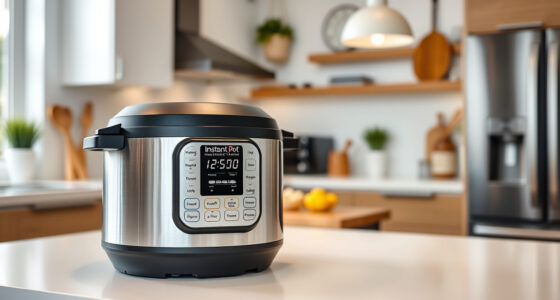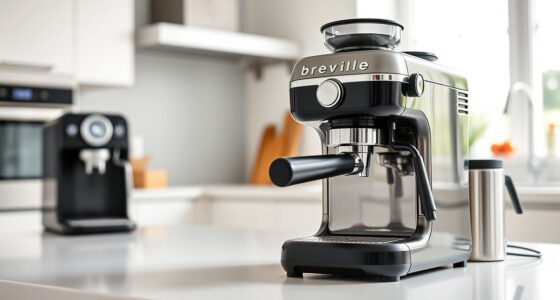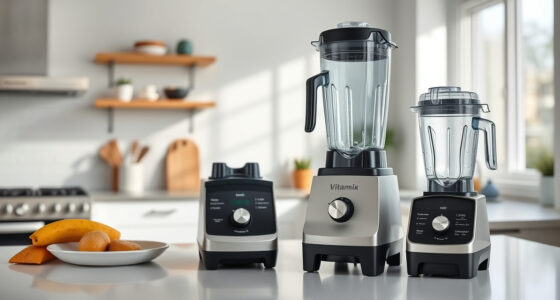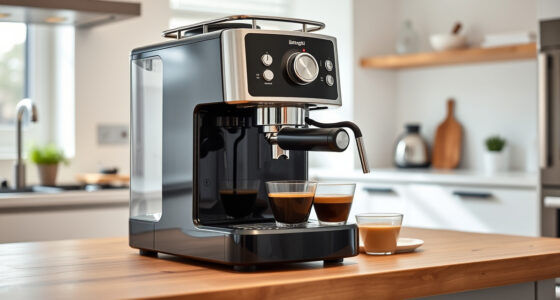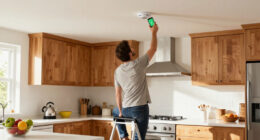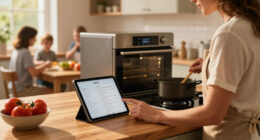

Keeping your smart appliances updated is crucial to ensure they’re secure, reliable, and perform well over time. Software updates fix bugs, patch security vulnerabilities, and add new features, preventing your devices from becoming obsolete or vulnerable to cyber threats. They also help improve compatibility and energy efficiency. If you want to understand why staying current is vital and how updates protect your devices, there’s more to uncover that can help you maximize their lifespan.

Get home appliances delivered free with Prime
- Fast, free delivery on millions of items
- Prime Video, Amazon Music and more included
- Member-only deals all year
Key Takeaways
- Regular updates fix bugs, patch security vulnerabilities, and improve device performance, preventing appliances from becoming unreliable or vulnerable.
- Software updates enhance security by addressing newly discovered threats, protecting personal data and preventing cyberattacks.
- Staying current with updates ensures compatibility with other smart home devices and supports new features for improved functionality.
- Updates extend appliance lifespan, boost energy efficiency, and keep devices aligned with evolving technology standards.
- Many appliances now update automatically or prompt for updates, emphasizing the importance of prompt installation to avoid obsolescence.
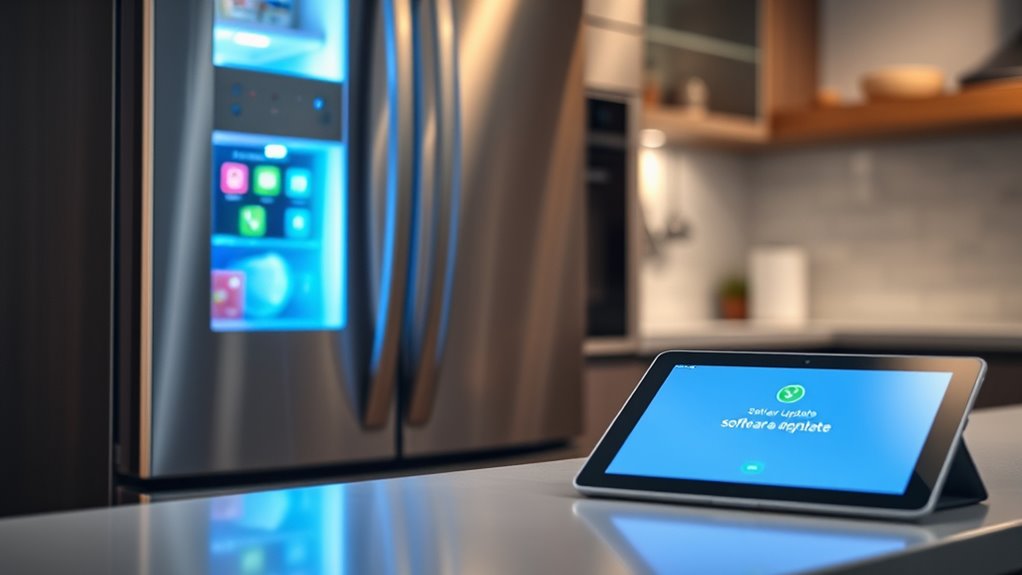
Have you ever wondered how your smart appliances stay reliable and secure? The answer lies in regular software updates. Just like your phone or computer, smart appliances need ongoing maintenance to function smoothly and safely. Manufacturers develop updates to fix bugs, patch security vulnerabilities, and improve performance. If you ignore these updates, your devices might become sluggish, unreliable, or even vulnerable to cyber threats. Staying current isn’t just about gaining new features; it’s about keeping your smart home safe and efficient.
Regular software updates keep your smart appliances reliable, secure, and running smoothly.
When a new update is available, it often includes patches for security flaws that have been discovered since the last version. Cybercriminals are constantly finding ways to exploit vulnerabilities in connected devices, potentially leading to data breaches or unauthorized access. By updating your appliance’s software promptly, you reduce the risk of your personal information being compromised or your device being hijacked for malicious activities. Manufacturers release these patches to stay ahead of threats, and ignoring them leaves your appliances exposed.
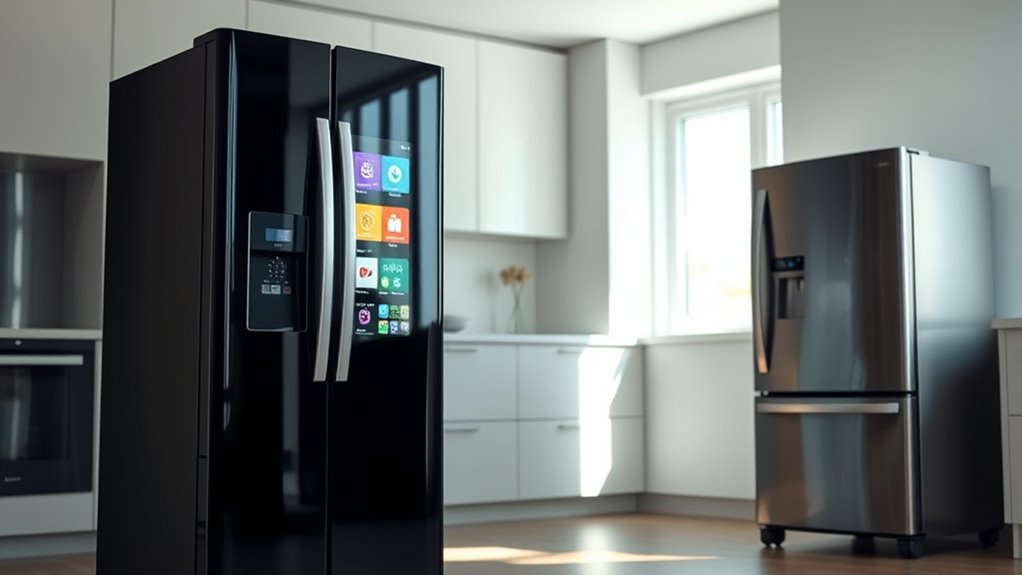
Updates also enhance the overall stability of your smart devices. Over time, bugs and glitches can cause the appliance to malfunction or crash unexpectedly. Software updates address these issues, making your devices more reliable. For example, a smart fridge might freeze up or a voice assistant could misinterpret commands if its software isn’t current. Regular updates ensure that your appliances can handle new features and evolving technology, providing a smoother user experience. Additionally, keeping your device’s firmware up to date can improve projector compatibility with other smart home systems, ensuring seamless integration.
Moreover, updates often introduce new features that can make your appliances more useful and convenient. Perhaps a smart oven gets a new cooking mode, or a security camera gains improved motion detection. These upgrades can extend the lifespan of your devices, keeping them relevant and functional for longer. Manufacturers also optimize software to improve energy efficiency, which can save you money on utility bills while reducing your environmental footprint.
It’s tempting to put off updates, thinking they’re optional or time-consuming. However, many appliances now update automatically or prompt you to install updates at convenient times. Keeping your devices connected to Wi-Fi ensures they receive these updates seamlessly. If you’re unsure whether your appliance needs an update, consult the user manual or manufacturer’s website. Regularly checking for updates and installing them promptly is a simple yet crucial step in maintaining your smart home ecosystem.
In the end, software updates are essential. They protect your devices, improve functionality, and extend their lifespan. Think of updates as a form of maintenance that keeps your smart appliances running at their best. Ignoring them could lead to obsolescence or security breaches, both of which are easily avoidable. Staying proactive with updates ensures your smart home remains reliable, secure, and future-proof.
smart appliance firmware update kit
As an affiliate, we earn on qualifying purchases.
As an affiliate, we earn on qualifying purchases.
Frequently Asked Questions
How Often Should I Check for Updates on My Smart Appliances?
You should check for updates on your smart appliances at least once a month. Many devices automatically notify you when an update is available, so keep an eye on notifications. Regularly updating guarantees your appliances run smoothly, stay secure, and access new features. If your device allows, enable automatic updates to stay current without manual checks. Staying proactive helps prevent potential issues and keeps your smart home functioning efficiently.
Can I Manually Update My Smart Appliance Software?
Yes, you can manually update your smart appliance software. Usually, you just need to open the app associated with your device and look for the update option, often found in the settings menu. If your appliance has a display, it might also notify you of available updates. Regularly checking guarantees you get the latest features and security patches, keeping your device running smoothly and securely.
Are Software Updates Free for All Smart Appliances?
Surprisingly, most software updates for your smart appliances are free, even if it feels like they’re worth a fortune. You might think tech companies charge for every little upgrade, but in reality, these updates are included to keep your device running smoothly. So, don’t hesitate to install them—they’re a small investment for a smarter, more reliable appliance that stays up-to-date without costing you extra.
What Should I Do if an Update Causes Issues?
If an update causes issues, first try restarting your appliance to see if that resolves the problem. If not, check the manufacturer’s support website or contact customer service for troubleshooting advice. You can also look for community forums where others might have faced similar issues. Sometimes, rolling back to a previous version or waiting for a patch can fix the problem until an update is released.
Do All Smart Appliances Automatically Update Themselves?
Not all smart appliances automatically update themselves; some require your manual intervention. Think of your device as a gardener needing guidance—without it, updates might stay dormant. Check your appliance’s settings to see if auto-updates are activated, and if not, turn them on. Regularly visiting the device’s app or interface ensures you’re in the driver’s seat, keeping your smart appliance fresh, secure, and functioning smoothly.
smart home device security update
As an affiliate, we earn on qualifying purchases.
As an affiliate, we earn on qualifying purchases.
Conclusion
Just like a smartphone needs updates to stay secure and functional, your smart appliance relies on software improvements to keep up with evolving technology. Think of it as giving your device a tune-up—without it, you risk losing features or facing breakdowns. I once knew someone whose smart fridge stopped working because they ignored updates, turning a helpful gadget into a useless box. Keep your appliances current, and they’ll serve you better, longer.
automatic smart appliance updater
As an affiliate, we earn on qualifying purchases.
As an affiliate, we earn on qualifying purchases.
smart appliance compatibility extension
As an affiliate, we earn on qualifying purchases.
As an affiliate, we earn on qualifying purchases.
Cold & flu season Picks
humidifiers
As an affiliate, we earn on qualifying purchases.