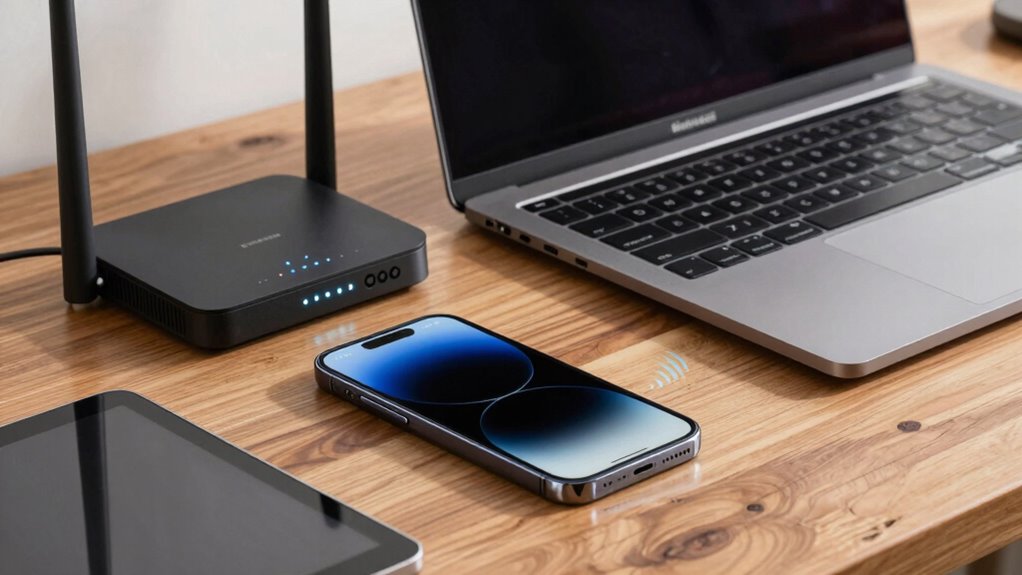

Device placement is vital for keeping your Wi-Fi stable and fast. Placing your router centrally and elevating it helps distribute signals evenly and reduces dead zones. Avoid hiding it behind furniture or near electromagnetic devices like microwaves or cordless phones, as these cause interference that can disrupt your connection. Keeping your devices close to the router and minimizing obstacles improves performance. If you want to discover more tips to enhance your wireless setup, keep exploring the details.

Get home appliances delivered free with Prime
- Fast, free delivery on millions of items
- Prime Video, Amazon Music and more included
- Member-only deals all year
Key Takeaways
- Proper device placement reduces interference from obstacles and electromagnetic sources, ensuring a more stable Wi-Fi connection.
- Placing devices closer to the router minimizes signal degradation and boosts connection strength.
- Optimal placement avoids walls, furniture, and metal objects that can reflect or absorb Wi-Fi signals.
- Maintaining a clear line of sight between devices and the router enhances signal stability.
- Moving devices away from interference sources like cordless phones and microwaves improves wireless performance.
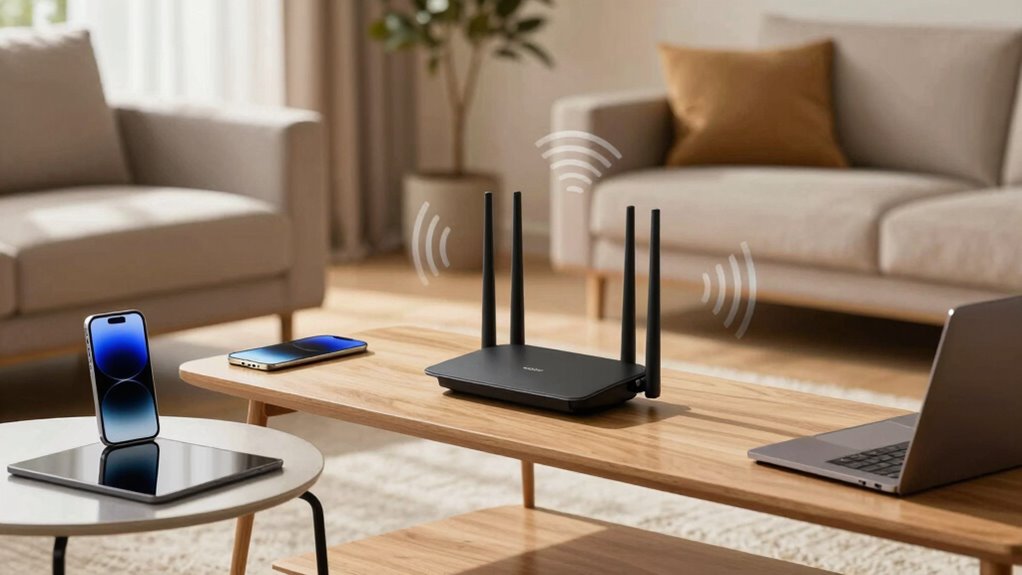
The placement of your devices plays a crucial role in maintaining a stable wireless connection. If your Wi-Fi keeps dropping or slowing down, it’s often because your devices aren’t positioned correctly. One of the main factors that influence wireless stability is interference sources. These can include things like cordless phones, microwave ovens, Bluetooth devices, and even neighboring Wi-Fi networks. When these interference sources are nearby, they disrupt the signals your devices rely on, causing lag, buffering, or complete connection loss. To improve your wireless experience, you need to focus on the ideal positioning of your router and connected devices to minimize these disruptions.
Start by placing your router in a central location within your home or office. Avoid hiding it behind furniture, inside cabinets, or near thick walls, as these barriers can block or weaken the Wi-Fi signal. Instead, elevate it on a shelf or mount it high on a wall, where it has a clear line of sight to the areas where you use your devices most. This positioning helps ensure that the signals spread evenly and are less susceptible to interference sources that could weaken their strength. Keep your router away from electronic devices that emit electromagnetic signals, such as baby monitors or wireless speakers, because these can create additional interference. Electromagnetic interference can significantly impact wireless stability and performance.
You should also consider the placement of your devices. If possible, keep your smartphones, tablets, or laptops away from metal objects and appliances that generate electromagnetic interference. When you’re working or streaming, position yourself closer to the router or Wi-Fi access point to maximize signal strength. Remember, the closer your device is to the source, the less likely it is to be affected by interference sources or signal degradation. Additionally, proper device placement can help reduce the chance of signal loss, especially in larger spaces or buildings with complex layouts. Regularly updating your router’s firmware can help optimize its performance and reduce signal interference, leading to more reliable connections.
It’s also helpful to consider environmental factors like walls or furniture that can reflect or absorb Wi-Fi signals, which can cause weak spots or dead zones. Adjusting the placement of your router or moving your devices to areas with fewer obstacles can greatly improve overall stability. By paying attention to interference sources and practicing ideal positioning, you’ll enjoy faster, more reliable wireless connectivity. Remember, small changes in device placement can have a big impact on your Wi-Fi experience, so experiment with different locations until you find the setup that works best.
As an affiliate, we earn on qualifying purchases.
Frequently Asked Questions
How Does Device Placement Affect Wi-Fi Signal Strength Over Time?
Device placement directly impacts Wi-Fi signal strength over time because poor positioning can lead to increased interference sources and signal attenuation. When your device is near thick walls, metal objects, or other electronics, it experiences more interference, weakening the signal. Additionally, improper placement can cause gradual signal degradation as interference sources change or multiply, making your connection less stable and slower over time. Proper placement helps maintain a strong, consistent Wi-Fi signal.
Can Device Placement Influence Network Security?
Think of your network as a fortress; where you place your device is like positioning the gates. Poor placement can create cracks in your defenses, making it easier for intruders to exploit network vulnerabilities or gain unauthorized access. Keep your router in a central, secure spot to minimize these risks. Proper device placement strengthens your defenses, reducing the chance of unauthorized access and keeping your digital treasures safe behind sturdy walls.
What Are the Best Places to Avoid for Device Placement?
You should avoid placing your device near sources of electromagnetic interference, like microwaves or cordless phones, which can disrupt signals. Also, steer clear of areas with signal obstruction, such as thick walls or metal surfaces, as they weaken the connection. Keep your device away from large appliances and metal furniture, because these can block or interfere with wireless signals, ensuring a more stable and reliable network connection.
How Does Furniture Placement Impact Wireless Stability?
Furniture placement can be the gatekeeper to a strong Wi-Fi connection, acting like a barrier that blocks signals or causes interference. When you put bulky furniture between your device and router, it’s like placing a wall in front of a lighthouse, dimming its beam. Keep pathways clear and avoid placing furniture directly around your router to minimize signal interference and maintain stable, fast wireless connectivity.
Does Device Placement Affect Battery Life of Wireless Devices?
Yes, device placement affects the battery life of wireless devices. Proper placement can enhance battery optimization by reducing signal interference, which forces the device to work harder to maintain a connection. When you position devices wisely, you help conserve power, extending battery life. Keeping devices close to the router or access point minimizes power consumption, allowing you to enjoy longer usage without frequent charging, thanks to better signal strength and less energy drain.
As an affiliate, we earn on qualifying purchases.
Conclusion
You might think positioning is just a detail, but it’s often the silent factor behind a stable connection. Sometimes, the best spot feels like coincidence—a perfect alignment of your device and the router’s signals. By paying attention to placement, you reveal smoother streaming and faster downloads, almost as if luck is on your side. Ultimately, a little mindful positioning turns what seems like chance into a deliberate step toward better wireless stability.
electromagnetic interference shield for router
As an affiliate, we earn on qualifying purchases.
As an affiliate, we earn on qualifying purchases.
As an affiliate, we earn on qualifying purchases.
Fall yard work Picks
leaf blowers
As an affiliate, we earn on qualifying purchases.