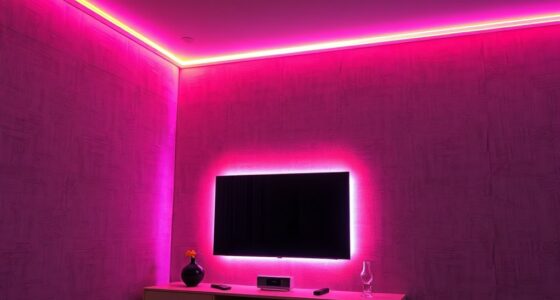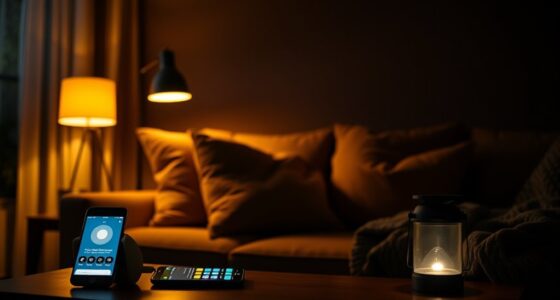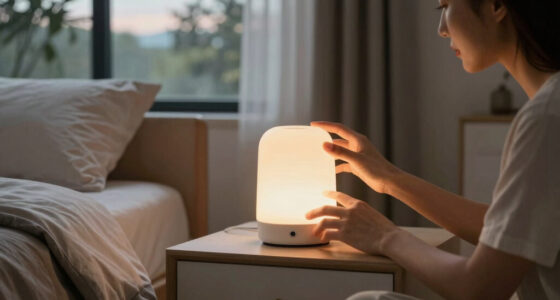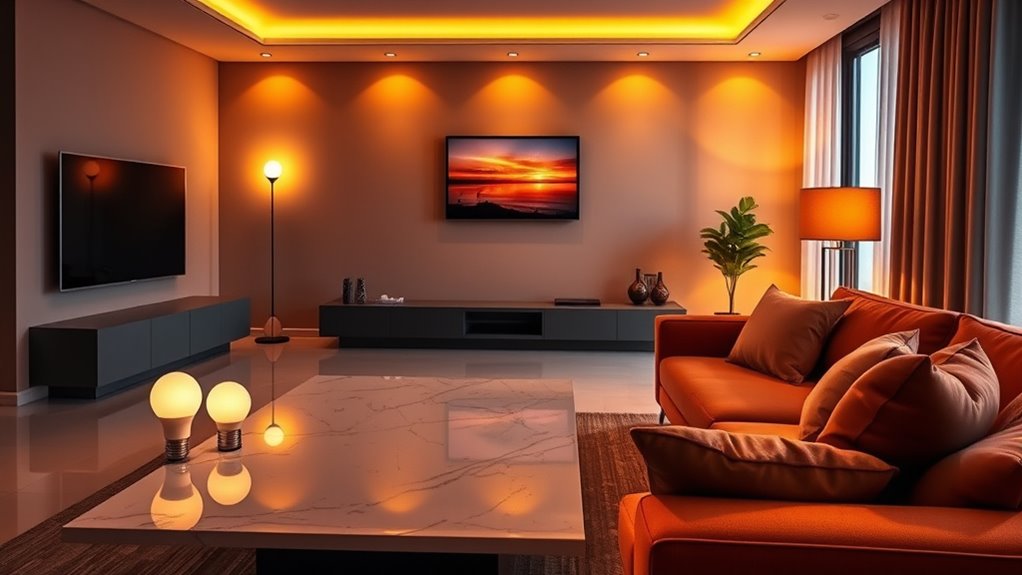

To set up smart lighting scenes for one-tap control, start by selecting a compatible platform like Philips Hue or LIFX and make sure your lights are properly connected via their app. Next, create your desired ambiance by adjusting brightness, color, and direction, then save each setting as a scene with a clear label. Organize scenes by rooms and assign them to routines or voice commands. For more tips on optimizing your setup, keep going ahead.

Get home appliances delivered free with Prime
- Fast, free delivery on millions of items
- Prime Video, Amazon Music and more included
- Member-only deals all year
Key Takeaways
- Access the app’s scene or preset section to create and customize lighting environments.
- Adjust brightness, color, and direction to define your desired atmosphere.
- Save each configuration with a clear, descriptive label for easy identification.
- Assign saved scenes to specific routines or voice commands for quick one-tap activation.
- Organize scenes by rooms or areas for targeted, seamless lighting control across your home.
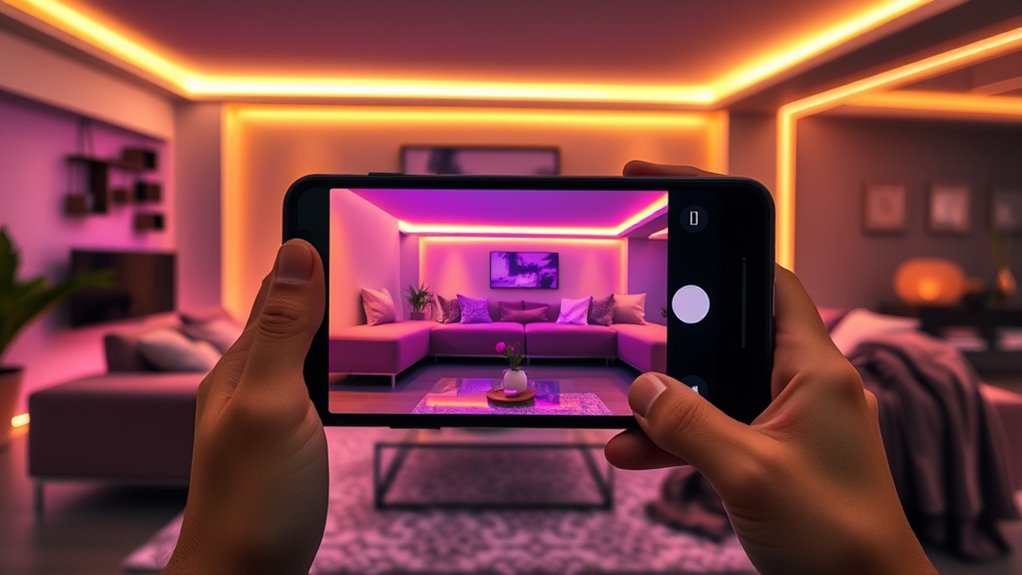
Smart lighting has revolutionized the way we create ambiance at home, making it easier than ever to set the perfect mood with just a tap. Instead of fumbling with switches or trying to manually adjust multiple bulbs, you now have the power to craft entire atmospheres instantly. The key is setting up scenes—predefined lighting configurations that you can activate with a single command or button press. Setting these up might seem intimidating at first, but with a few simple steps, you’ll be able to transform your space effortlessly.
Create perfect ambiance effortlessly with smart lighting scenes at the tap of a button.
First, you need to choose the right smart lighting system. Whether it’s a popular platform like Philips Hue, LIFX, or another, make certain it integrates well with your smart home ecosystem. Once you have your lights set up and connected, open the app associated with your system. Most apps have a dedicated section for creating scenes or presets. Here’s where you’ll define your desired lighting environment.
Think about the mood you want to create. For a cozy movie night, you might want dim, warm lights with specific color tones. For a lively dinner party, brighter, cooler lighting may work better. Take your time to experiment by adjusting brightness, color, and even the direction of light. When you find a setup that feels right, save it as a scene. Label it clearly, so you remember what it’s for—like “Relax,” “Dinner Party,” or “Reading.”
Automation is a powerful feature that makes scene activation even smoother. You can assign scenes to specific times of day or routines. For example, set your “Morning Wake-up” scene to activate at a certain hour, gradually brightening your lights and shifting to energizing colors. You can also link scenes to voice commands through virtual assistants like Alexa, Google Assistant, or Siri. Simply say the phrase you’ve programmed, and your lights will adjust accordingly.
Another tip is to organize your scenes into groups or rooms. This way, you can activate a scene in just one part of your home or across multiple areas simultaneously. It’s especially useful if you want a uniform look for your living room, bedroom, or outdoor space. Understanding smart lighting protocols can help you troubleshoot connectivity issues and optimize your system’s performance.
As an affiliate, we earn on qualifying purchases.
Frequently Asked Questions
Can I Customize Scenes for Different Moods or Occasions?
Yes, you can customize scenes for different moods or occasions. Most smart lighting apps let you adjust colors, brightness, and even timing to match your needs. You simply create a scene, tweak the settings to fit your mood or event, and save it. Then, with one tap, you activate the perfect atmosphere. It’s a quick, easy way to personalize your space and enhance any moment.
Are There Compatibility Issues With Existing Smart Home Devices?
Compatibility issues can pop up like a stubborn knot in your shoelace, but most smart lighting systems now support standard protocols like Zigbee or Z-Wave. I once struggled with a smart bulb that refused to sync, but switching to a compatible hub solved it instantly. Before buying, check device compatibility lists and confirm your hub supports your existing gadgets. This way, your smart home runs smoothly without hiccups.
How Secure Is My Smart Lighting Setup From Hacking?
Your smart lighting setup is fairly secure if you use strong passwords, enable two-factor authentication, and keep your firmware updated. Avoid default credentials and connect devices to a separate network to minimize hacking risks. Regularly monitor device activity and disable remote access when not needed. While no system is completely hack-proof, following these steps considerably enhances your security and keeps your smart lighting safer from potential threats.
Can I Create Automated Schedules for Scenes?
Yes, you can create automated schedules for scenes. You just need to access your smart lighting app’s scheduling feature, select the scene you want, and set specific times for it to activate. Many systems let you customize days, times, and even conditions like sunset or sunrise. Once set, your lights will automatically adjust, giving you a seamless, hands-free experience that enhances convenience and ambiance daily.
What Should I Do if a Scene Doesn’t Activate Properly?
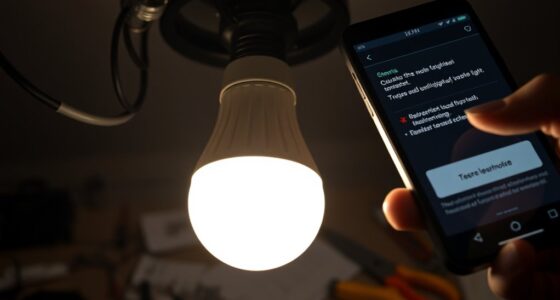
If a scene doesn’t activate properly, don’t throw in the towel just yet. First, double-check your Wi-Fi connection and verify your smart devices are online. Restart the app and the lighting system if needed. Sometimes, a quick refresh is all it takes. Make sure your scene settings are correctly saved, and try activating again. These simple steps usually get your atmosphere back on track in no time.
As an affiliate, we earn on qualifying purchases.
Conclusion
With just one tap, you can effortlessly transform your space into the perfect atmosphere, no matter the occasion. Some might think setting up scenes is complicated, but with smart lighting, it’s straightforward and customizable. Once you master creating and saving your favorite scenes, you’ll wonder how you ever lived without this touch of sophistication. Elevate your home’s ambiance seamlessly—because a well-set scene isn’t just practical, it’s a stylish statement.
As an affiliate, we earn on qualifying purchases.
As an affiliate, we earn on qualifying purchases.
Cold & flu season Picks
humidifiers
As an affiliate, we earn on qualifying purchases.