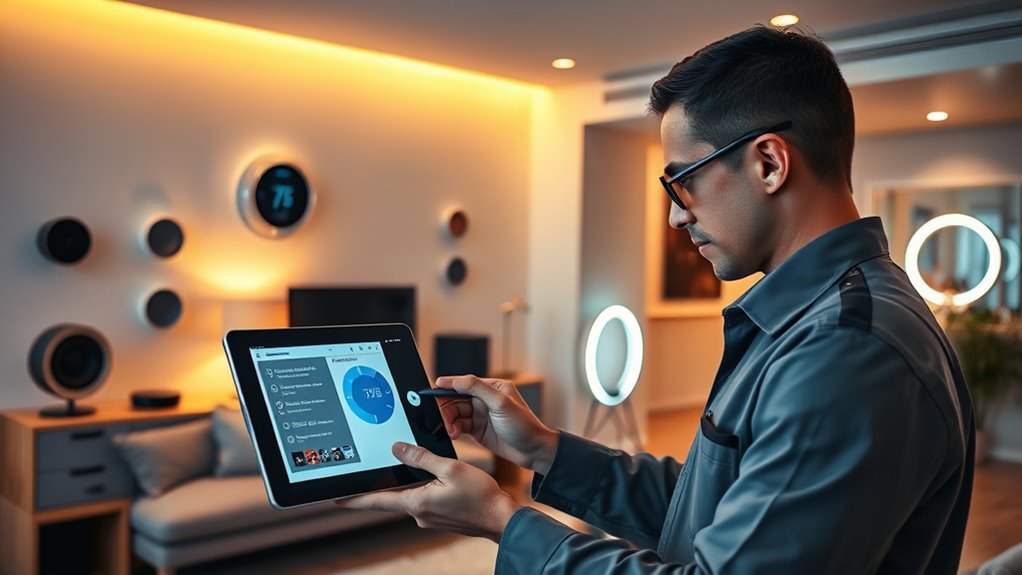

To keep your smart home running smoothly, regularly check your Wi-Fi network’s strength and update your device firmware promptly. Make certain all devices are properly powered, with batteries replaced before they drain, and keep lenses and sensors clean. Perform routine system tests, like verifying camera recordings and smart lock functions. Staying on top of these tasks helps prevent issues and enhances security. Keep going to discover more tips for maintaining a seamless smart home experience.

Get home appliances delivered free with Prime
- Fast, free delivery on millions of items
- Prime Video, Amazon Music and more included
- Member-only deals all year
Key Takeaways
- Regularly update device firmware and apps to ensure optimal performance and security.
- Check and maintain Wi-Fi signal strength for stable device connectivity.
- Inspect and replace batteries in sensors and remotes before depletion.
- Clean device lenses and sensors to prevent obstructions and ensure accuracy.
- Test security features like cameras, locks, and alarms periodically to confirm proper operation.
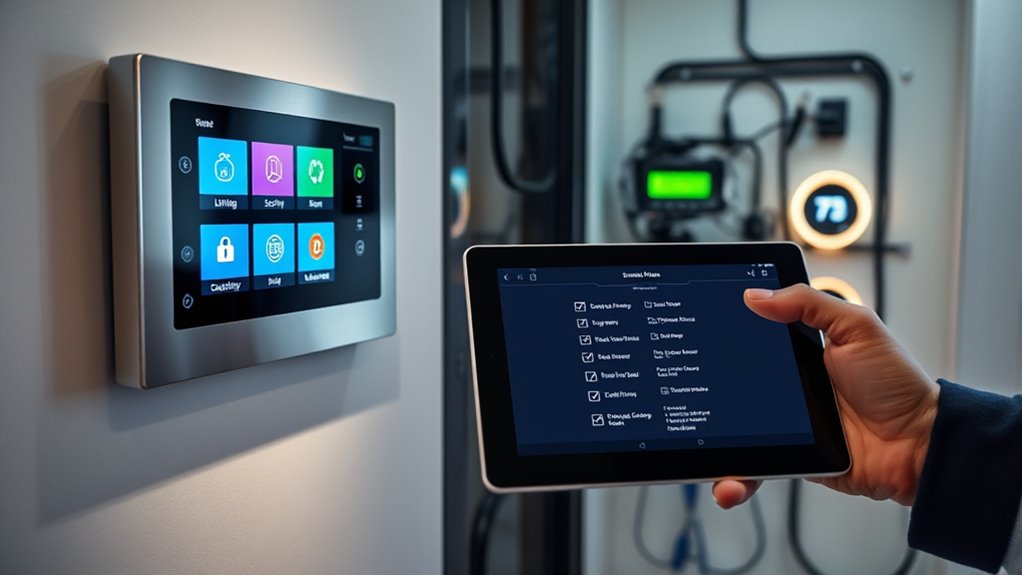
Maintaining your smart home is vital to guarantee all devices function smoothly and securely. When everything is working correctly, you enjoy a seamless experience, and your home remains safe and efficient. The first step is to regularly check your Wi-Fi network. Smart devices rely heavily on a stable internet connection, so ensure your router is placed in a central location free from interference. Restart your router periodically to clear any temporary glitches, and consider updating its firmware when prompted. A strong, consistent Wi-Fi signal prevents devices from disconnecting or lagging, which can cause security vulnerabilities or disrupt automation routines.
Regularly check and optimize your Wi-Fi for a secure, seamless smart home experience.
Next, review your device firmware and app updates. Manufacturers frequently release updates that improve performance, fix bugs, and patch security flaws. Set a regular schedule to check for updates on your smart home hub, security cameras, smart locks, thermostats, and other connected gadgets. Keeping firmware current ensures your devices operate efficiently and reduces exposure to cyber threats. Many devices offer automatic updates—enable this feature if available, so you don’t have to remember to check manually.
It’s also vital to verify the power sources of your devices. Make sure smart outlets, cameras, and sensors are plugged in securely and that cords are undamaged. For battery-powered devices like sensors or remote controls, replace batteries before they completely drain. Low batteries can cause devices to malfunction or lose connectivity, compromising your home’s security or automation routines. Consider setting reminders for regular battery checks, especially for critical security devices.
Another important aspect is physical maintenance. Dust, dirt, and debris can accumulate on sensors, cameras, and other devices, impairing their function. Gently clean lenses, sensors, and screens with a soft, lint-free cloth to keep visuals clear and sensors responsive. Ensure that devices are free from obstructions that could block signals or movement detection. Proper placement and occasional cleaning help maintain the accuracy and longevity of your smart home technology. Additionally, connected device security practices are essential to protect your home from cyber threats and unauthorized access.
Finally, perform routine tests of your security devices and automation routines. Check that security cameras are recording properly, smart locks are functioning, and alarms activate when triggered. Test automation routines like scheduled lighting or climate control to verify they execute as intended. Address any issues promptly to prevent system failures or security gaps. Regularly inspecting and maintaining your smart home components ensures everything operates as designed, giving you peace of mind and a truly smart, efficient living environment.
smart home device firmware update kit
As an affiliate, we earn on qualifying purchases.
As an affiliate, we earn on qualifying purchases.
Frequently Asked Questions
How Often Should I Update My Smart Home Device Firmware?
You should update your smart home device firmware as soon as updates are available, ideally every few weeks. Regular updates ensure your devices stay secure, function properly, and have the latest features. Check for updates monthly or enable automatic updates if possible. Don’t ignore notifications about firmware upgrades, as they often fix bugs and enhance performance. Staying proactive keeps your smart home running smoothly and protects your data.
What Should I Do if a Device Stops Responding?
If a device stops responding, start by unplugging it and then plugging it back in. Check your Wi-Fi connection, ensuring it’s stable and strong. Try restarting the device or resetting it to factory settings if needed. Update the device’s firmware or app, as updates can fix bugs. If it still doesn’t work, contact customer support or consult the user manual for specific troubleshooting steps.
Are There Safety Tips for Maintaining Smart Home Security?
Did you know that over 60% of smart home security breaches occur due to neglecting basic safety tips? To protect your system, change default passwords regularly, enable two-factor authentication, and keep firmware updated. Avoid sharing access codes unnecessarily, and secure your Wi-Fi network with strong encryption. Regularly test your devices to make sure they’re functioning properly, and stay informed about the latest security threats to keep your home safe.
How Can I Troubleshoot Wi-Fi Connectivity Issues?
You can troubleshoot Wi-Fi connectivity issues by first restarting your router and device. Make sure your device is within range and free from obstructions. Check for firmware updates on your router and device. If problems persist, reset your network settings or switch to a different Wi-Fi band. You might also want to disconnect other devices that could be hogging bandwidth. These steps typically resolve most connectivity hiccups.
Is Professional Maintenance Recommended for Complex Smart Systems?
A stitch in time saves nine, and that’s true for your smart home. For complex systems, professional maintenance is highly recommended because experts can troubleshoot advanced issues swiftly and guarantee your devices work seamlessly. Regular professional check-ups help prevent costly repairs and keep your smart home running smoothly. Trust specialists to handle complicated setups, so you avoid unnecessary headaches and enjoy the convenience without worry.
Wi-Fi signal booster for smart home
As an affiliate, we earn on qualifying purchases.
As an affiliate, we earn on qualifying purchases.
Conclusion
By staying on top of your smart home maintenance, you’re the captain steering a ship through calm and stormy seas alike. Regular checks and quick fixes keep your devices running smoothly, turning your home into a well-oiled machine. Remember, a proactive approach is your lighthouse—guiding you safely through potential issues before they become storms. Keep this checklist close, and your smart home will always be a sanctuary of comfort and convenience.
battery replacement for smart sensors
As an affiliate, we earn on qualifying purchases.
As an affiliate, we earn on qualifying purchases.
As an affiliate, we earn on qualifying purchases.
Halloween Picks
halloween
As an affiliate, we earn on qualifying purchases.