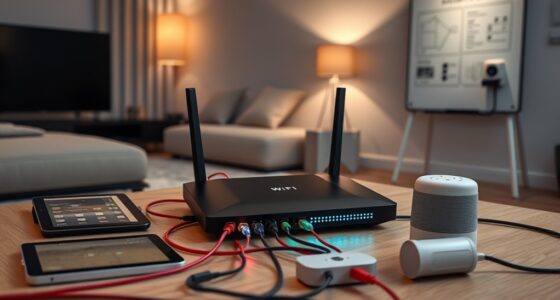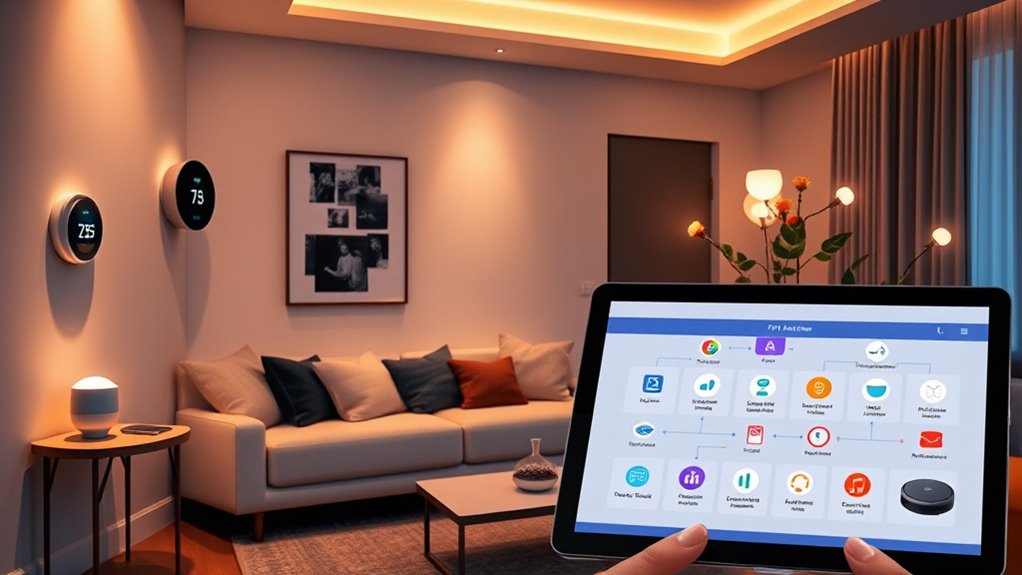

To make your smart home devices work together, you can use IFTTT to create automations connecting your gadgets and apps. It acts as a bridge, allowing devices like lights, thermostats, and security cameras to communicate seamlessly based on triggers like location, time, or voice commands. Setting up and customizing these routines enhances convenience, energy efficiency, and security. Keep exploring further to discover tips for troubleshooting, optimizing, and expanding your smart automation system.

Get home appliances delivered free — and shop member deals
- Fast, free delivery on millions of items
- Access to Prime Big Deal Days deals on October 6–7
- Prime Video, Amazon Music and more included
Key Takeaways
- IFTTT enables seamless device integration and automation by creating applets that connect multiple smart home devices and services.
- Proper setup involves connecting devices securely, ensuring compatibility, and updating firmware for reliable performance.
- Automation routines can be customized using triggers like voice commands, time schedules, or sensor data to enhance convenience.
- Location-based and sensor-driven automations improve security and energy efficiency by responding to presence and environmental changes.
- Voice assistant integration with IFTTT allows hands-free control, simplifying device management and increasing overall smart home convenience.
smart home device automation kit
As an affiliate, we earn on qualifying purchases.
As an affiliate, we earn on qualifying purchases.
Understanding IFTTT and Its Role in Smart Homes
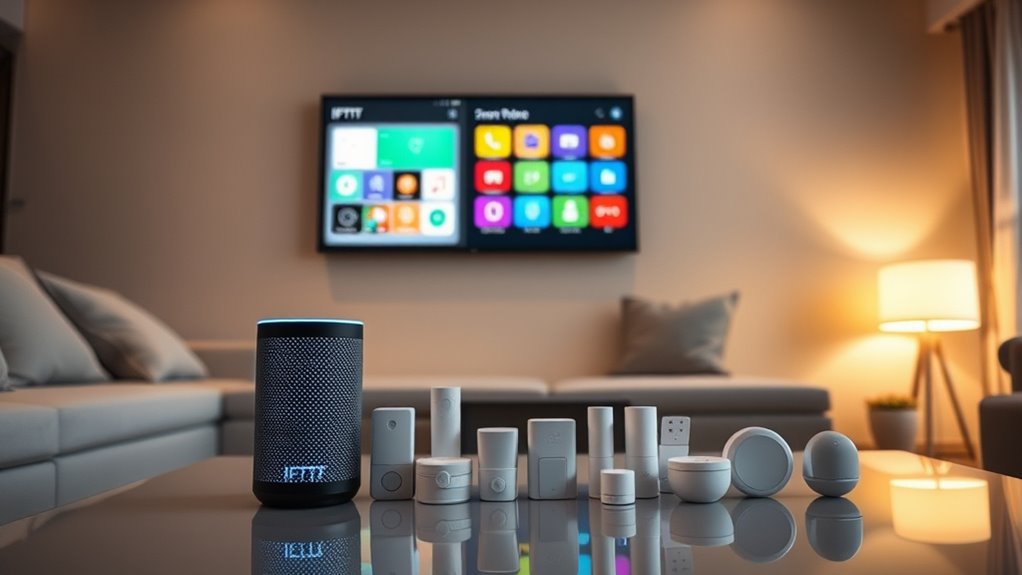
Have you ever wondered how different smart devices in your home work together seamlessly? That’s where IFTTT comes in, playing a vital role in smart home integration. IFTTT, or If This Then That, connects various devices and apps, allowing them to communicate and perform tasks automatically. By creating simple applets, you can automate routines like turning on lights when you unlock your door or adjusting your thermostat when you leave the house. The automation benefits are significant—you save time, energy, and effort, making your home more efficient and responsive to your needs. IFTTT acts as a bridge, ensuring all your smart devices work harmoniously, creating a truly interconnected and intelligent home environment. Smart home integration is further enhanced when devices like voice assistants and local automation work together to provide a seamless user experience. Additionally, trusted resources ensure that these integrations are reliable and secure, giving you peace of mind. Incorporating smart device compatibility can help streamline your automation setup and improve overall reliability. Understanding how automation platforms operate can help you optimize your smart home setup for better performance and security. Moreover, utilizing European cloud servers can enhance data privacy and security for your smart home ecosystem by keeping your information within secure, energy-efficient data centers.
As an affiliate, we earn on qualifying purchases.
Setting Up Your IFTTT Account and Connecting Devices

Getting started with IFTTT is straightforward; you’ll begin by creating an account on their platform. Once registered, you can connect your smart devices by granting appropriate permissions, ensuring device security remains intact. Be mindful of user privacy when linking apps and devices—only authorize trusted services and review privacy settings regularly. Connecting devices is quick: select your smart home products, follow the prompts, and authenticate each device. Keep your account secure by enabling two-factor authentication if available. As you add more devices, double-check their security settings to prevent unauthorized access. Proper setup not only streamlines automation but also safeguards your data and privacy. Additionally, understanding the affiliate disclosure helps you make informed decisions about supporting the platform through purchases. To further enhance your setup, familiarize yourself with device compatibility to ensure smooth integration across your smart home ecosystem. Understanding security best practices for smart devices is also crucial to protect your network from vulnerabilities. Implementing secure network configurations can significantly reduce potential risks associated with connected devices. Being aware of body jewelry measurements and materials can help you choose compatible accessories if you decide to incorporate wearable tech or accessories that interact with your smart environment. With your account ready and devices connected, you’re prepared to explore personalized automation possibilities while maintaining security.
smart thermostat with app control
As an affiliate, we earn on qualifying purchases.
As an affiliate, we earn on qualifying purchases.
Creating Basic Applets for Everyday Automation
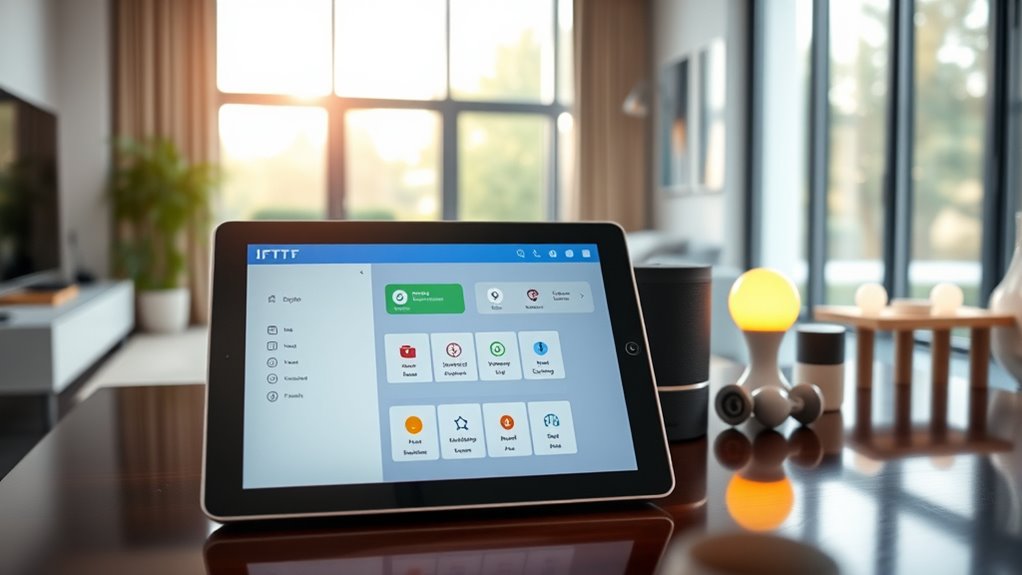
Are you ready to make everyday tasks easier with simple automation? Creating basic applets is a great way to start. Begin by choosing a trigger, such as a voice command or a specific time of day. For example, you can set your smart speaker to turn on lights when you say, “Good morning.” Make sure your devices are compatible with IFTTT; device compatibility is key to seamless automation. Once you’ve selected your trigger, connect it to an action, like adjusting your thermostat or sending a notification. Keep applets straightforward at first, focusing on routines you do frequently. Over time, you can build more complex applets. With a few clicks, you’ll save time and make your smart home more responsive to your daily needs. Always check that your devices are properly wired and grounded to ensure safety and reliable operation. Additionally, understanding device compatibility can help prevent issues and improve your automation experience. Regularly updating your device firmware can also enhance smart home security and performance. Remember, maintaining proper electrical safety is essential to prevent potential hazards and ensure your smart devices operate smoothly.
security camera with smart home integration
As an affiliate, we earn on qualifying purchases.
As an affiliate, we earn on qualifying purchases.
Using Location-Based Triggers to Enhance Your Environment

Building on basic applets, location-based triggers add a personal touch to your automation setup. By using geofencing routines, you can trigger actions based on your arrival or departure from specific locations. For example, when you approach home, your smart lights can turn on, or your thermostat can adjust to a comfortable temperature. Location sensors play a key role, detecting your presence and updating your device about your whereabouts. These triggers make your environment more responsive and tailored to your daily routines. You can set up routines so that when you leave work, your devices prepare your home for your arrival. This seamless integration saves time and enhances convenience, making your smart home feel more intuitive and personalized. Incorporating outdoor wisdom and technology can also inspire ways to optimize your smart environment for energy efficiency and security.
Automating Security and Surveillance Systems

Automating security and surveillance systems allows you to monitor your home more effectively and respond quickly to potential threats. With motion detection, your cameras can alert you instantly when movement occurs, helping you catch suspicious activity early. Facial recognition adds an extra layer of security by identifying familiar faces and flagging unknown individuals. You can set up IFTTT rules to receive notifications or trigger alarms when certain criteria are met, such as detecting an unfamiliar face after hours. These integrations ensure you’re always aware of what’s happening at home, even when you’re away. By automating responses based on motion detection and facial recognition, you enhance your security without constant manual oversight, creating a safer and more responsive environment. Understanding home‑care techniques can help you optimize your security system’s performance and maintenance. Incorporating system calibration can further improve the accuracy of motion detection and facial recognition features, ensuring reliable alerts. Additionally, employing nanotechnology in sensor development can significantly increase the sensitivity and durability of your security equipment, leading to more precise detections and longer-lasting devices. Regular system updates are also crucial to keep your security devices functioning with the latest features and security patches, and implementing sensor integration can streamline your entire security network for more cohesive operation.
Managing Lighting and Climate With IFTTT Rules
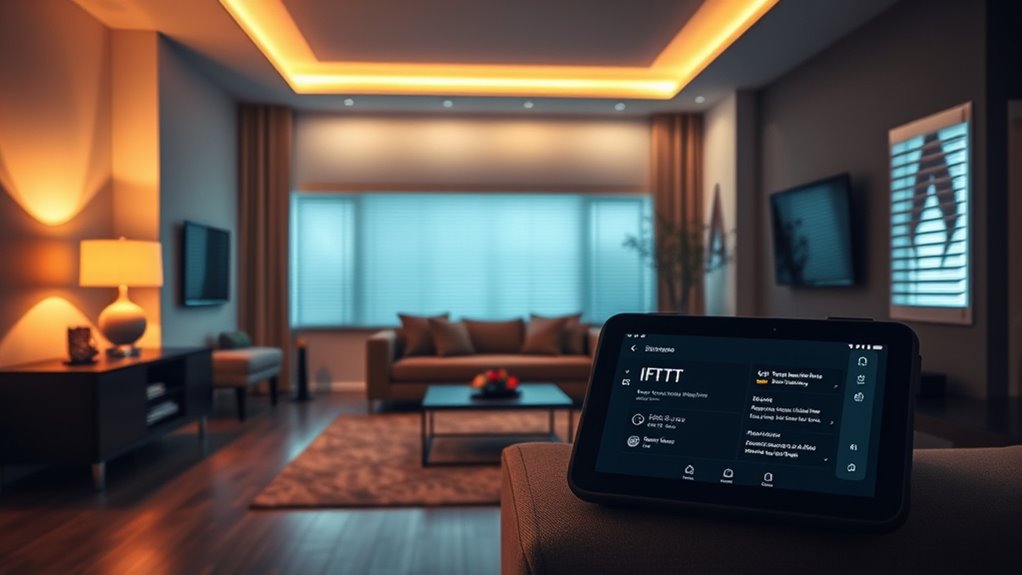
With IFTTT rules, you can easily trigger light adjustments based on your daily routines or specific events. Automating temperature changes assists in maintaining your home comfortable without lifting a finger. By synchronizing devices, you ensure your lighting and climate work together seamlessly to enhance your living space. Incorporating financial goals into your smart home automation can also help you stay mindful of your overall budget and energy savings. Additionally, integrating energy efficiency strategies can maximize savings while reducing your environmental impact. Implementing privacy policies ensures your data remains protected as you automate various aspects of your home. When selecting compatible devices, referencing reliable backup power guidelines can help you maintain automation even during outages. Incorporating device compatibility considerations can further streamline your smart home setup, ensuring all components work harmoniously.
Triggering Light Adjustments
When you set up IFTTT rules to trigger light adjustments, you can seamlessly create a more comfortable and energy-efficient environment. By using lighting scenes, you can automatically switch your lights to different moods or settings based on specific triggers, such as time of day or activity. For example, you might set a cozy lighting scene for evenings or a bright, energizing scene for mornings. Bulb scheduling allows you to automate when lights turn on or off, reducing unnecessary energy use and ensuring your home is always inviting. These triggers can be activated when you arrive home, leave, or at preset times, giving you full control over your lighting environment without manual intervention.
Automating Temperature Changes
Building on your ability to set lighting scenes and schedules, you can also synchronize your home’s temperature to enhance comfort and efficiency. Using temperature sensors, you monitor room conditions and trigger thermostat control adjustments automatically. For example, when sensors detect a drop in temperature, IFTTT can activate your smart thermostat to heat the room. Conversely, if it gets too warm, it can switch to cooling mode. These rules help maintain a consistent environment without manual input, saving energy and boosting comfort. You can set specific temperature thresholds, ensuring your home responds dynamically throughout the day. By integrating temperature sensors with your thermostat, you create a responsive climate that adapts seamlessly to your lifestyle.
Synchronizing Devices Seamlessly
Seamlessly managing both lighting and climate requires coordinating multiple devices through well-crafted IFTTT rules. To do this effectively, you need to address potential device incompatibilities that might prevent smooth operation. Some smart bulbs or thermostats may not support certain triggers or actions, so testing your setup beforehand is vital. Additionally, privacy concerns can arise when sharing data between devices or with third-party services, so choose trusted platforms and review permission settings carefully. By creating precise IFTTT applets, you ensure your lighting adjusts automatically with climate changes, creating a comfortable environment. Regularly update your devices and applets to maintain synchronization, avoiding mismatched settings or delays that could disrupt your smart home experience.
Integrating Voice Assistants for Hands-Free Control

Integrating voice assistants with your smart devices allows for effortless, hands-free control of your home automation setup. With voice command capabilities, you can activate lights, adjust thermostats, or play music without lifting a finger. This hands free control makes managing your smart home more convenient and efficient, especially when your hands are full or you’re busy with other tasks. To get started, connect your voice assistant, like Alexa or Google Assistant, to your smart devices through IFTTT or compatible apps. Once linked, simply speak your commands, such as “Hey Google, turn on the living room lights,” and your devices respond instantly. This seamless integration enhances your overall smart home experience, providing quick access to your devices through natural, easy-to-use voice commands.
Customizing Advanced Automations for Personal Preferences
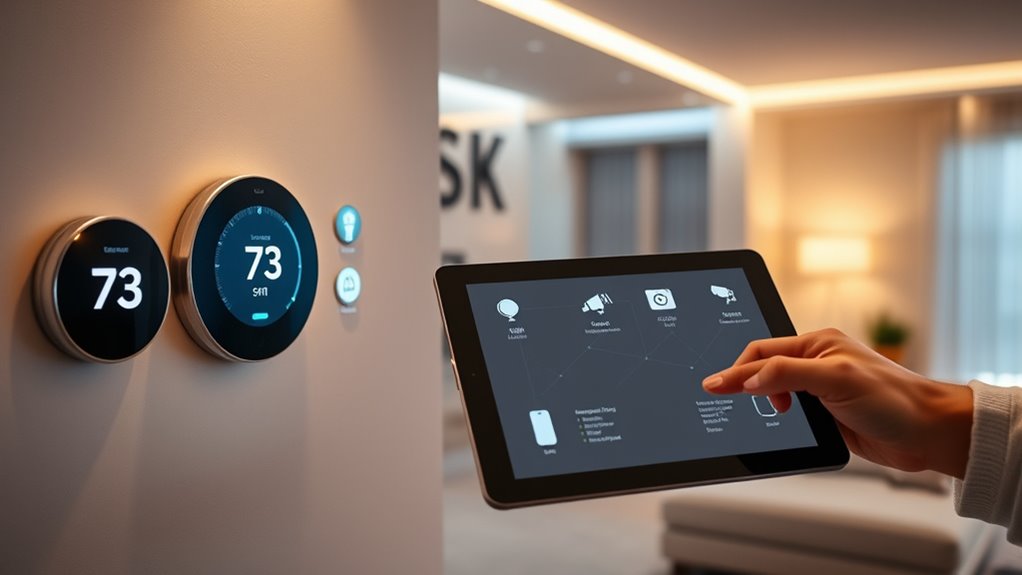
To truly tailor your smart home experience, customizing advanced automations allows you to align device behaviors with your unique routines and preferences. With custom automation, you can create personalized routines that respond to specific triggers and conditions, making your devices more intuitive. For example, you might set your lights to dim and play music when you arrive home or adjust your thermostat based on the weather. You can also combine multiple actions for seamless automation, such as turning off appliances when you leave or sending a notification for important events. Use conditionals like time of day or occupancy status to refine your automations further. This level of customization guarantees your smart home operates exactly how you want, making everyday tasks effortless and tailored to your lifestyle.
Tips for Troubleshooting and Optimizing Your IFTTT Setups

Even the most well-designed IFTTT automations can encounter hiccups or inefficiencies. To troubleshoot, start by checking your network connectivity; unstable Wi-Fi can disrupt triggers and actions. Ensure your devices are online and synchronized. Additionally, verify sensor calibration—if sensors aren’t accurately detecting conditions, automations may fail or behave unexpectedly. Regularly test your setups to identify issues early. Here’s a quick reference:
| Issue | Solution |
|---|---|
| Automation not triggering | Check network connection and device status |
| Sensor inaccuracies | Recalibrate sensors for precise readings |
| Actions not executing | Verify app permissions and service integrations |
| Delays or lag | Optimize Wi-Fi signal strength and device placement |
Consistently maintaining these aspects helps optimize your automations, making your smart home more reliable.
Frequently Asked Questions
Can I Use IFTTT With Incompatible Smart Home Devices?
You can sometimes use IFTTT with incompatible smart home devices, but device compatibility and app restrictions can limit this. If your device isn’t directly supported, you might need a third-party service or workaround, like connecting through a compatible hub or using webhooks. Keep in mind, some features may not work perfectly due to app restrictions or limited integration options, so check device compatibility first.
How Secure Is My Data When Using IFTTT Integrations?
Your data security with IFTTT integrations depends on their data encryption and privacy policies. IFTTT uses encryption to protect your data during transmission, but your privacy also relies on how carefully you manage app permissions and account settings. Always review their privacy policies to understand how your data is stored and used. Being cautious about third-party app access helps keep your smart home information secure.
Are There Device or App Limitations for Creating Complex Automations?
Think of your smart home as a busy orchestra; sometimes, device compatibility acts like the instruments, and app restrictions are the sheet music. You might find that certain devices or apps can’t play together seamlessly, limiting your complex automations. These restrictions can prevent you from creating intricate routines. To get the harmony you want, check compatibility beforehand and be prepared for some improvisation when app restrictions hit a high note.
How Does IFTTT Handle Multiple Triggers for the Same Action?
When you have multiple triggers for the same action, IFTTT uses trigger prioritization and conditional logic to determine which one activates first. You can set specific conditions to control behavior, guaranteeing that certain triggers take precedence over others. This helps you avoid conflicts and creates more precise automation. By customizing these rules, you ensure your smart home responds accurately to multiple stimuli without overlapping or unintended actions.
Can I Customize Notifications for Specific Automation Events?
Yes, you can customize notifications for specific automation events. IFTTT offers custom notification options, allowing you to tailor alerts based on different triggers or conditions. You can set up automation event customization so you receive only relevant notifications, whether it’s a door opening, temperature change, or other event. This way, you stay informed without unnecessary alerts, making your smart home experience more personalized and manageable.
Conclusion
With IFTTT, your smart home becomes a symphony of seamless automation, where devices dance in harmony under your guidance. As you weave these digital threads, your home transforms into a responsive, intelligent sanctuary, always one step ahead. Keep tinkering, refining, and exploring new applets, and watch your smart home evolve into a personalized oasis that anticipates your needs — a true masterpiece of modern living, all at your fingertips.
Fall yard work Picks
leaf blowers
As an affiliate, we earn on qualifying purchases.